Shutdown Procedures
We will now learn more about the end-of-flight procedures like a real crew would do, but simplified
here. This procedure takes fewer steps to completely turn off the aircraft.
After Landing Procedure
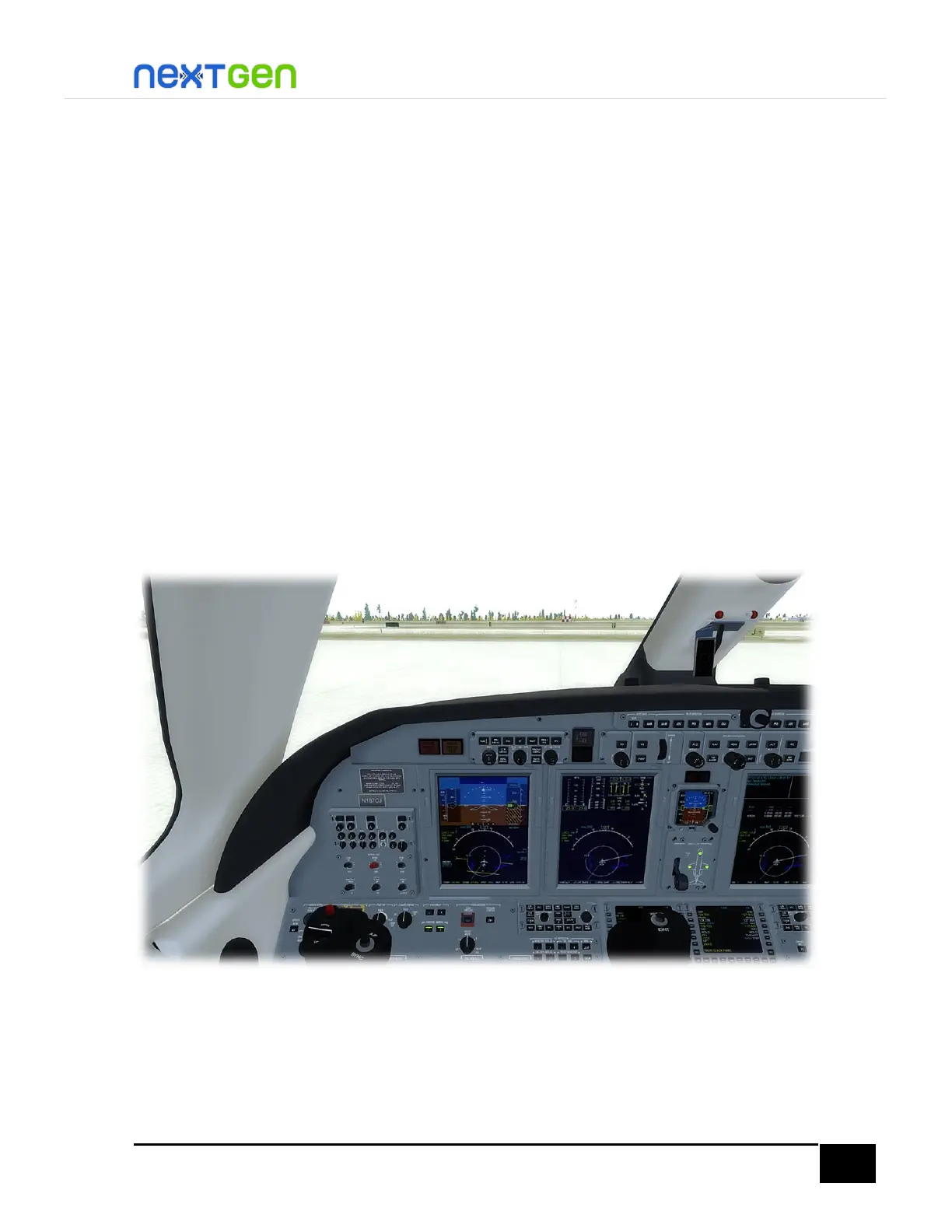
Verify the speed brakes lever is in the 0% position, so both the speed brakes and the ground
spoilers are completely stowed.
Retract the flaps by pressing the F5 key, pressing your assigned key/button or dragging the
lever handle to 0° position on VC or 2D.
For Taxi lights, they operate with the Landing lights, so do not turn them off until the aircraft
is completely stopped.
Turn off Flight Director by pressing the FD button and press the disengage bar on the FGP to
disengage both YD and AP.
Now, increase just a bit the throttles and taxi to any parking position you prefer. If you are
using FS ATC, follow the instructions received.
Shutdown
Once you get to the parking area, press Ctrl+. (Period key) or click the PB handle below the
left tilt panel to set parking brake.
To turn off the engines, you can left-click on the ENGINE RUN/STOP guards and press the
buttons so they read STOP, or pressing the Ctrl+Shift+F1 key combination (full lean mixture
assignment).


 To Next Page