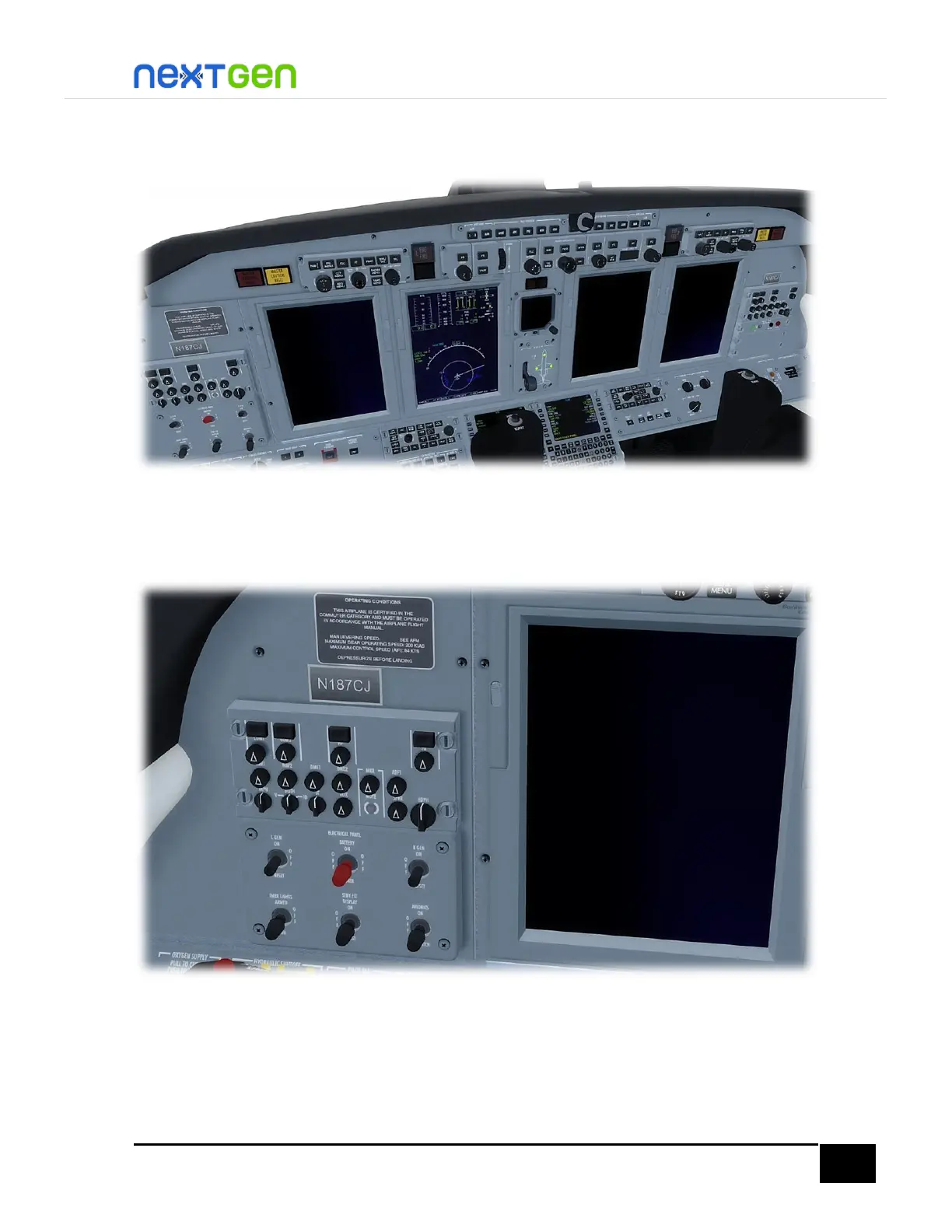
Now, turn OFF the AVIONICS, STBY FLT DISPLAY and EMER LIGHTS switches. You will see only
the pilot MFD on, the rest of the displays off.
Finally, turn the BATT switch to OFF position. This will disconnect the electrical power. If you
have the GPU connected from the Ramp Manager (see the User Manual for more
information), electricity will not be completely gone, unless you disconnect the GPU.
This completes the aircraft’s complete shutdown procedure, which is performed before the crew
leaves the aircraft. Now the crew can leave the plane. Open the doors, set wheel chocks and set covers
(pitot and cowlings).


 To Next Page