Start Procedure
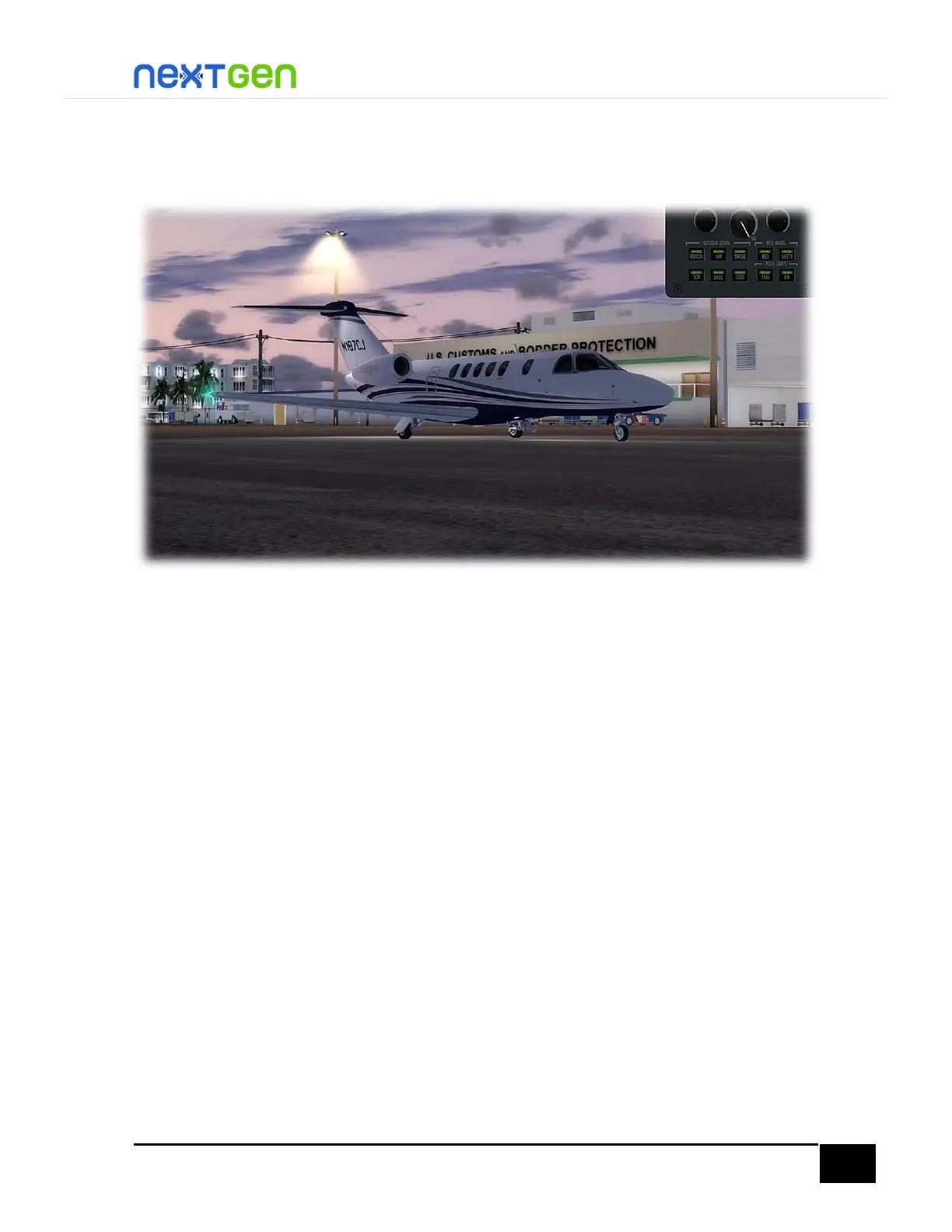
Before starting engines, make sure you have the exterior lights on and pass signs on, just like
in the figure below.
Also, make sure the doors are closed, the engine covers, pitot covers, chocks and GPU are
removed. If not, go to the Ramp Manager by clicking the cone icon on the SimIcons Panel
(more information on the User Manual > Main Panel section), then press the buttons until
they are dark. In order to know if the pitot covers are removed, you can check on the PFD
that AOA and Airspeed displays have the respective readouts instead of the red AOA and IAS
failure flags.
Now, let’s start the engines. To do so, go to the lower section of the pedestal panel. There
you will find the STARTER buttons. Press either of the L or R buttons to start the engines (here
we spooled up the right engine first, then the left one). Now, open the ENGINE RUN/STOP
guard of the engine you are starting, by simply left-clicking on it. Wait until N2 reaches 20%,
then press the ENGINE RUN/STOP button until it reads RUN in cyan. This will spool up the
engine.


 To Next Page