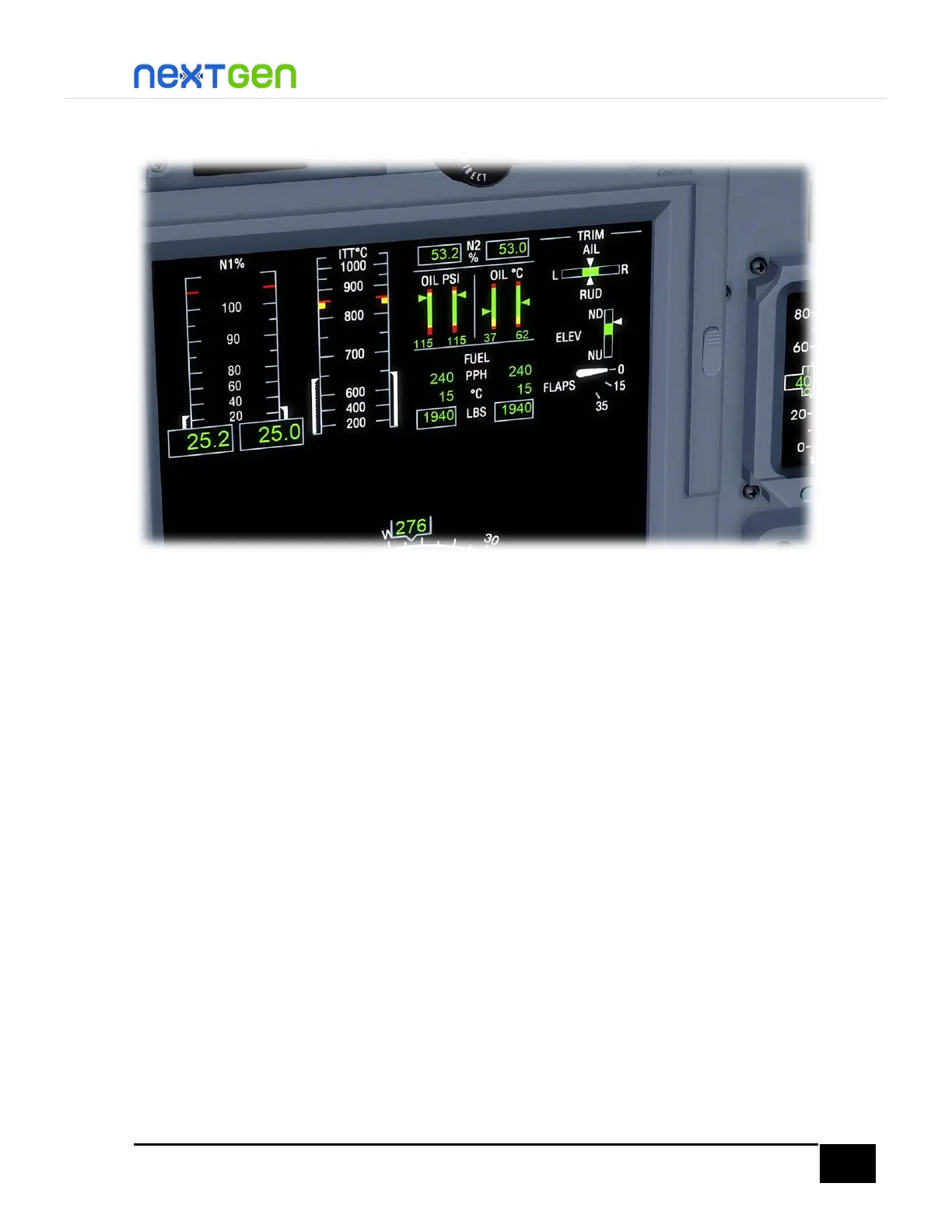
Now the engines are up and running.
After Start / Before Taxi
Close the ENGINE RUN/STOP guards by left-clicking on them.
Move the EMER LIGHTS switch to ARMED position; right-click it until the switch is in that
position. You will not see the EMER LIGHTS NOT ARMED message in the CAS panel.
Make sure the GEN switches are ON, and the AVIONICS and STBY FLT DISPLAY switches are
both in ON position.
Now you are ready to taxi! And you have now this aircraft in the same configuration the airplane loads
up in by default from the FSX/P3D Create Flight (Scenario for P3D) screen.


 To Next Page