11
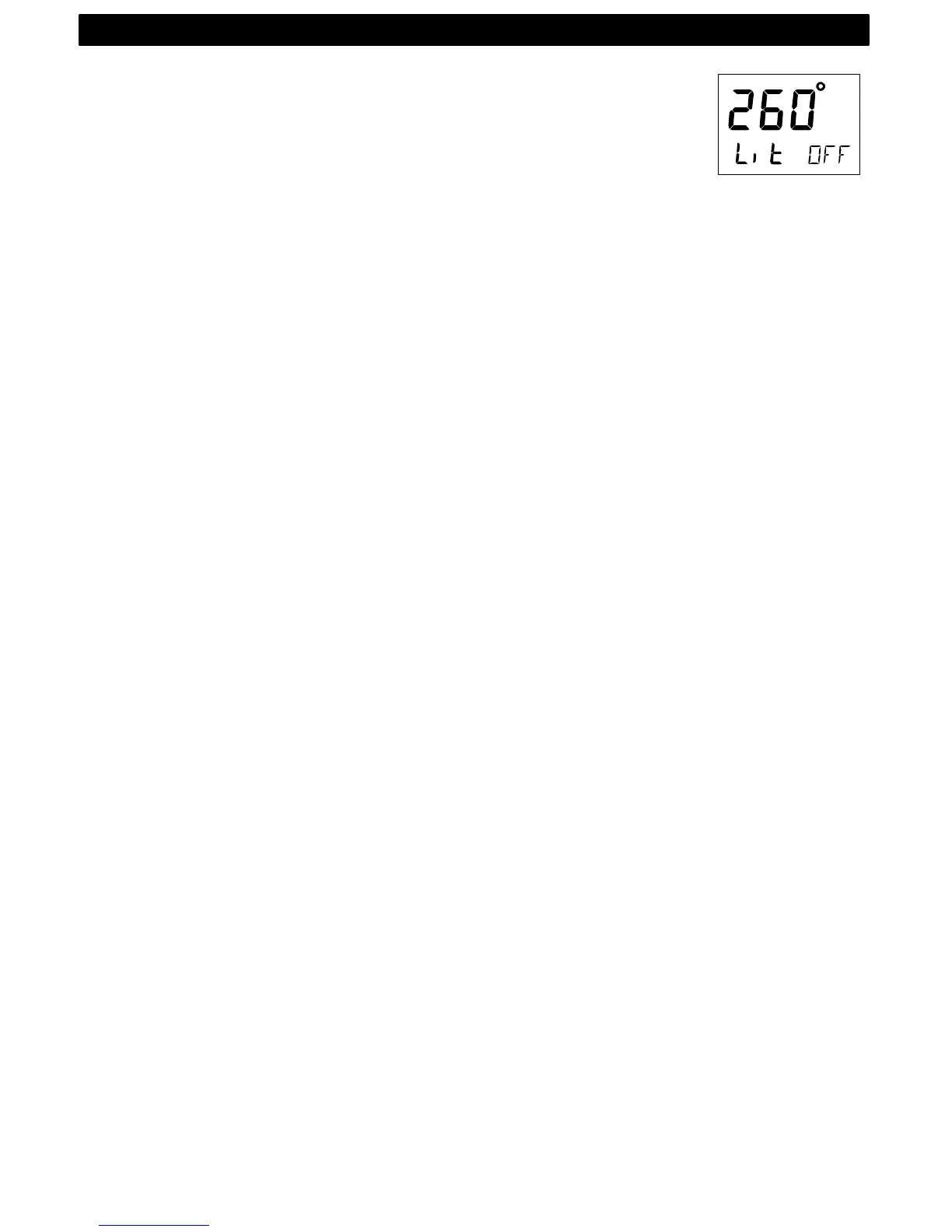
To access the light control, press and hold MODE for more than 2 sec-
onds. The flashing text [Lit OFF] will be displayed and the display will
be lit momentarily.
To select between the 4 light levels [LOW], [MID], [MAX] and [OFF],
press RIGHT. To lock the selected level, press KEY.
The selected light level will be copied to all Nexus instruments con-
nected to the Network. It is not possible to reduce or turn off the lighting
on an individual instrument.
OPERATION



 To Next Page