2 | ni.com | NI USB-9162 User Guide
Electromagnetic Compatibility Guidelines
This product was tested and complies with the regulatory requirements and limits for
electromagnetic compatibility (EMC) stated in the product specifications. These requirements
and limits provide reasonable protection against harmful interference when the product is
operated in the intended operational electromagnetic environment.
This product is intended for use in industrial locations. However, harmful interference may
occur in some installations, when the product is connected to a peripheral device or test object,
or if the product is used in residential or commercial areas. To minimize interference with radio
and television reception and prevent unacceptable performance degradation, install and use this
product in strict accordance with the instructions in the product documentation.
Furthermore, any modifications to the product not expressly approved by National Instruments
could void your authority to operate it under your local regulatory rules.
Caution To ensure the specified EMC performance, operate this product only with
shielded cables and accessories.
Unpacking
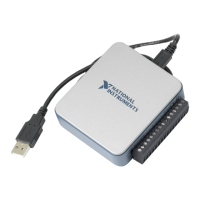
The NI USB-9162 carrier ships in an antistatic package to prevent electrostatic discharge (ESD).
ESD can damage several components on the device.
Caution Never touch the exposed pins of connectors.
To avoid ESD damage in handling the chassis, take the following precautions:
• Ground yourself with a grounding strap or by touching a grounded object.
• Touch the antistatic package to a metal part of your computer chassis before removing the
chassis from the package.
Remove the chassis from the package and inspect it for loose components or any other signs of
damage. Notify NI if the device appears damaged in any way. Do not install a damaged chassis.
Store the carrier in the antistatic package when the carrier is not in use.
Setting up the NI USB-9162 Carrier
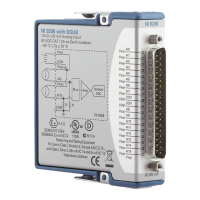
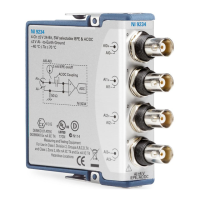
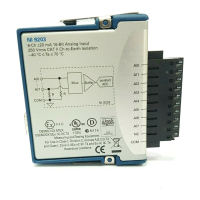
The NI USB-9162 carrier and NI C Series I/O module are packaged separately. Complete the
following steps.
1. Install the application software (if applicable), as described in the installation instructions
that accompany your software.
2. Install NI-DAQmx. For more information, download the Read Me First: NI-DAQmx and
DAQ Device Installation Guide.


 To Next Page