NI USB-9162 User Guide | © National Instruments | 3
Note The NI-DAQmx software is included on the disk shipped with your kit and is
available for download at
ni.com/support. The documentation for NI-DAQmx is
available after installation from Start»All Programs»National Instruments»
NI-DAQ. Other NI documentation is available from
ni.com/manuals.
3. Make sure that no signals are connected to the C Series I/O module and the USB cable is
not connected to the NI USB-9162.
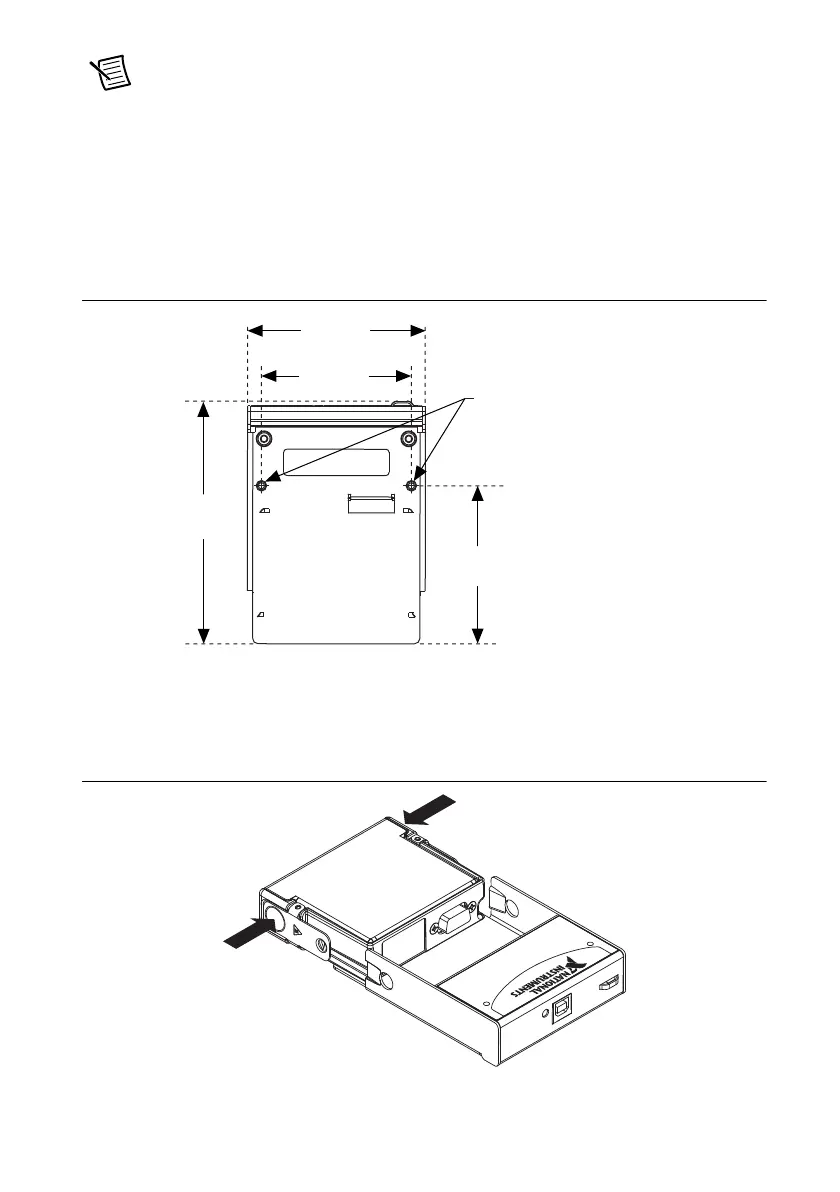
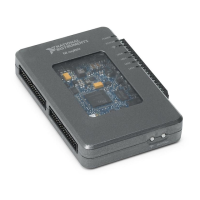
4. (Optional) Mount the NI USB-9162 to a panel or wall. Threaded inserts are located in the
NI USB-9162 for panel mounting. Refer to Figure 2 for dimensions.
Figure 2. Mounting Dimensions
5. Remove the protective cover from the 15-pin D-SUB connector.
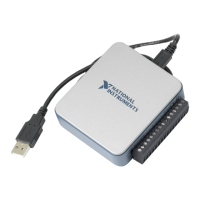
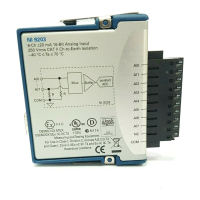
6. Align the C Series I/O module with the NI USB-9162 carrier, and then squeeze the latches
while inserting the C Series I/O module into the carrier, as shown in Figure 3.
Figure 3. Module Installation
72.2 mm
(2.84 in.)
85.7 mm
(3.37 in.)
76.1 mm
(3.00 in.)
Threaded Insert
M3 x 0.5
8.5 mm (0.34 in.) Max Depth
114.6 mm
(4.51 in.)


 To Next Page