When you have selected a new speed a clock starts a count down. When
the time has counted down the ventilation speed returns to the normal
setting.
If necessary, the different return times can be changed in menu 1.9.6.
TIP
If longer time changes are required use the holiday function or
scheduling.
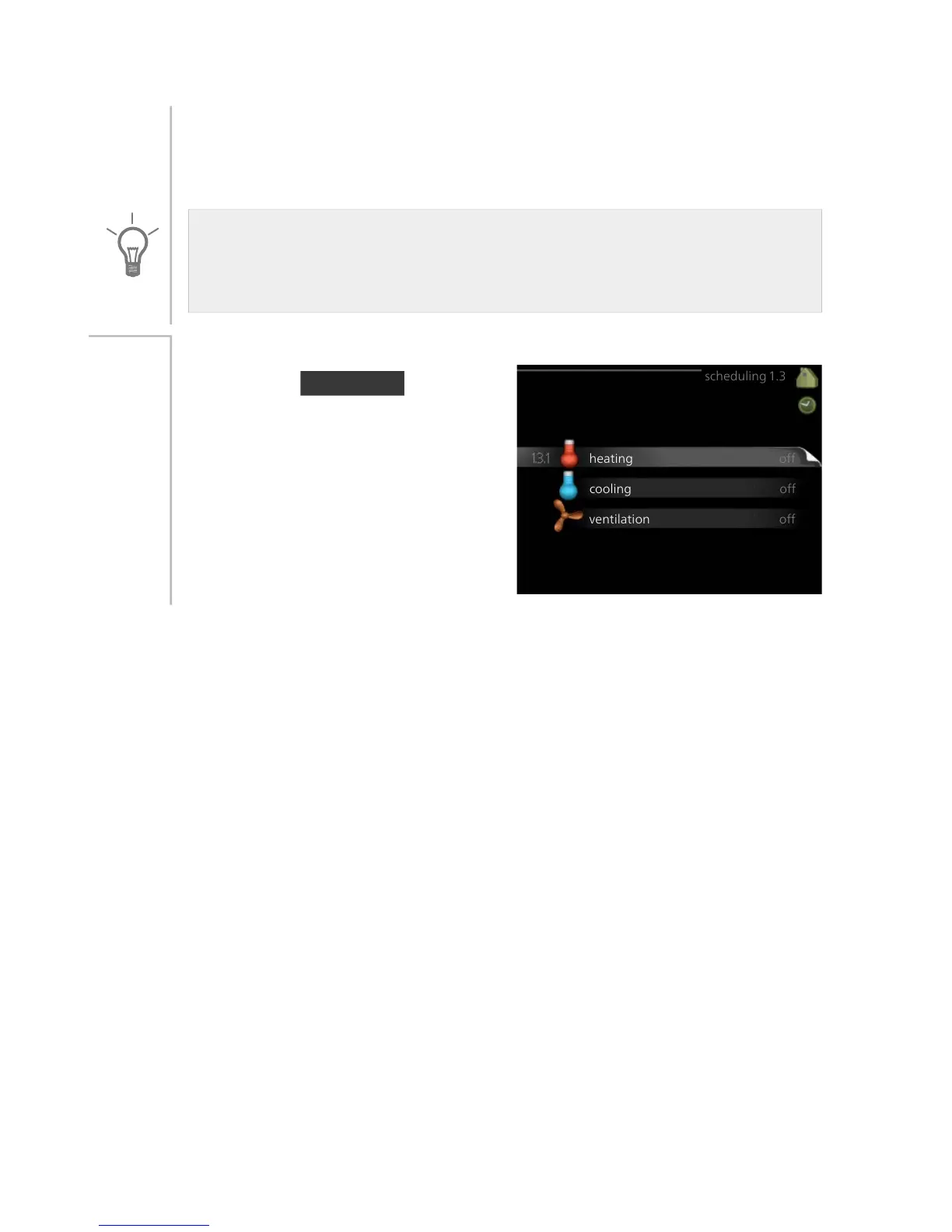
scheduling
In the menu scheduling indoor cli-
mate (heating/cooling/ventilation) is
scheduled for each weekday.
You can also schedule a longer period
during a selected period (vacation) in
menu 4.7.
Menu
1.3
29NIBE™ F1155Chapter 3 | F1155 – at your service



 To Next Page