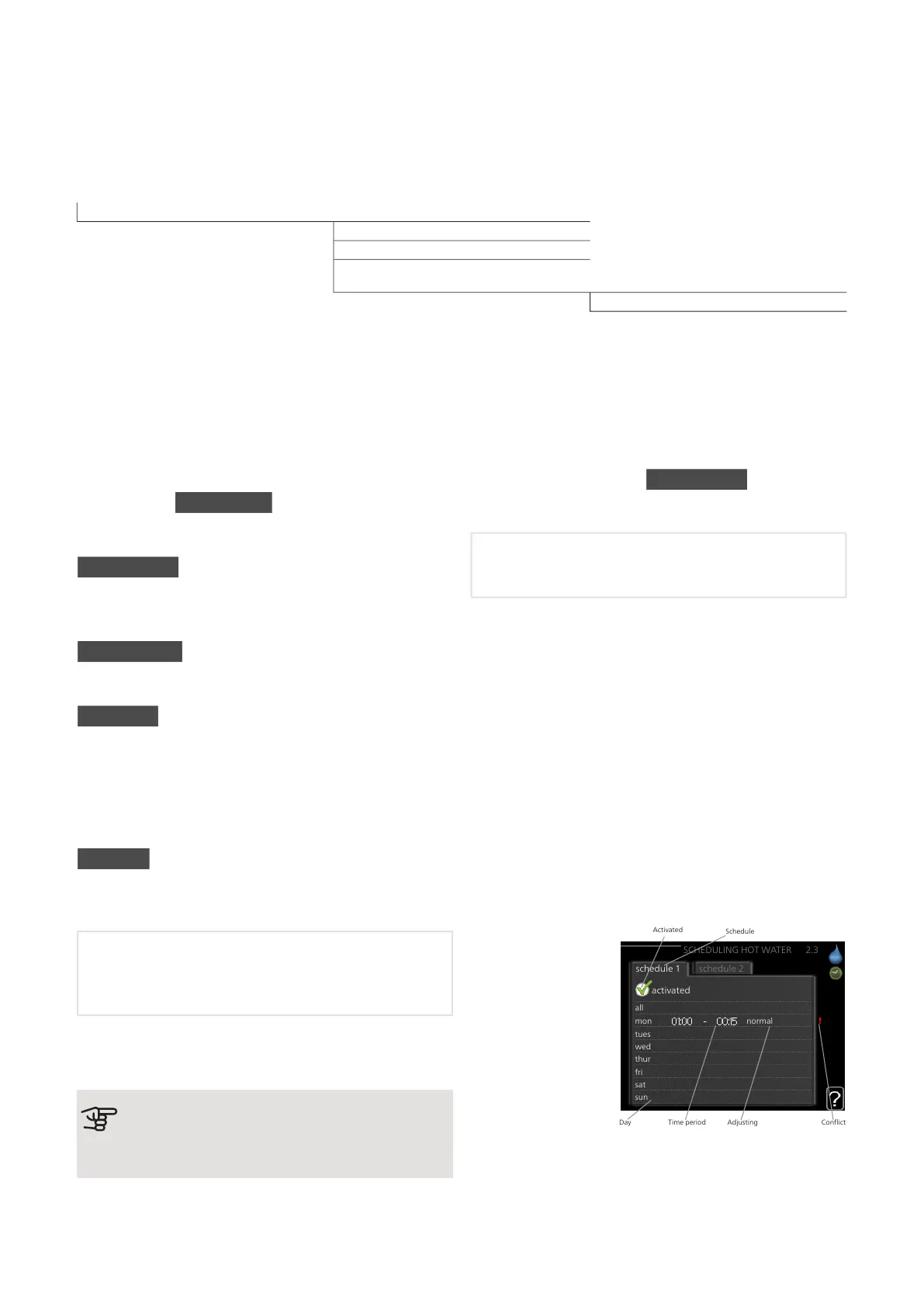
Menu 2 – HOT
WATER
OVERVIEW
2.1 - temporary lux2 - HOT WATER*, **
2.2 - comfort mode
2.3 - scheduling
2.9.1 - periodic increase2.9 - advanced
2.9.2 - hot water recirc. *
* Accessory needed.
** This menu is also set in the slave heat pump's limited
menu system.
Sub-menus
This menu only appears if a water heater is docked to
the heat pump.
For the menu HOT WATER there are several sub-
menus. Status information for the relevant menu can
be found on the display to the right of the menus.
temporary lux Activation of temporary increase in the
hot water temperature. Status information displays “off"
or what length of time of the temporary temperature
increase remains.
comfort mode Setting hot water comfort. The status
information displays what mode is selected, "economy",
"normal" or "luxury".
scheduling Scheduling hot water comfort. The status
information "set" appears if you have set scheduling but
it is not currently active, "holiday setting" appears if holi-
day setting is active at the same time as scheduling
(when the holiday function is prioritised), "active" appears
if any part of scheduling is active, otherwise "off" ap-
pears.
advanced Setting periodic increase in the hot water
temperature.
MENU 2.1 - TEMPORARY LUX
Setting range: 3, 6 and 12 hours and mode "off" and
"one time increase"
Default value: "off"
When hot water requirement has temporarily increased
this menu can be used to select an increase in the hot
water temperature to lux mode for a selectable time.
Caution
If comfort mode "luxury" is selected in menu
2.2 no further increase can be carried out.
The function is activated immediately when a time
period is selected and confirmed using the OK button.
The remaining time for the selected setting is shown to
the right.
When the time has run out F1345 returns to the mode
set in menu 2.2.
Select “off" to switch off temporary lux .
MENU 2.2 - COMFORT MODE
Setting range: economy, normal, luxury
Default value: normal
The difference between the selectable modes is the
temperature of the hot tap water. Higher temperature
means that the hot water lasts longer.
economy: This mode produces less hot water than the
others, but is more economical. This mode can be used
in smaller households with a small hot water require-
ment.
normal: Normal mode gives a larger amount of hot water
and is suitable for most households.
luxury: Lux mode gives the greatest possible amount
of hot water. In this mode, the immersion heater may
be partially used to heat hot water, which increases
operating costs.
MENU 2.3 - SCHEDULING
all
mon
tues
wed
thur
fri
sat
sun
activated
schedule 2schedule 1
SCHEDULING HOT WATER 2.3
normal
Activated
Schedule
Time period AdjustingDay Conflict
What hot water
comfort the heat
pump is to work
with can be sched-
uled here for up to
two different time
periods per day.
Scheduling is activ-
ated/deactivated by
ticking/unticking"ac-
tivated". Set times
are not affected at
deactivation.
Schedule: The schedule to be changed is selected here.
19Chapter 3 | Control - MenusNIBE F1345



 To Next Page