Service actions
NOTE
Servicing should only be carried out by persons
with the necessary expertise.
When replacing components on F1345 only
replacement parts from NIBE may be used.
EMERGENCY MODE
NOTE
The switch (SF1) must not be moved to "" or
" " until F1345 has been filled with water.
Otherwise the compressor could be damaged.
Emergency mode is used in event of operational inter-
ference and in conjunction with service. Hot water is
not produced in emergency mode.
Emergency mode is activated by setting switch (SF1)
in mode " ". This means that:
• The status lamp illuminates yellow.
• The display is not lit and the control computer is not
connected.
• Hot water is not produced.
• The compressor and brine pump for each cooling
module are off.
• Accessories are switched off.
• Internal heating medium pumps are active.
• The emergency mode relay (K1) is active.
External additional heating is active if it is connected to
the emergency mode relay (K1, terminal block X4). En-
sure that the heating medium circulates through the
external additional heating.
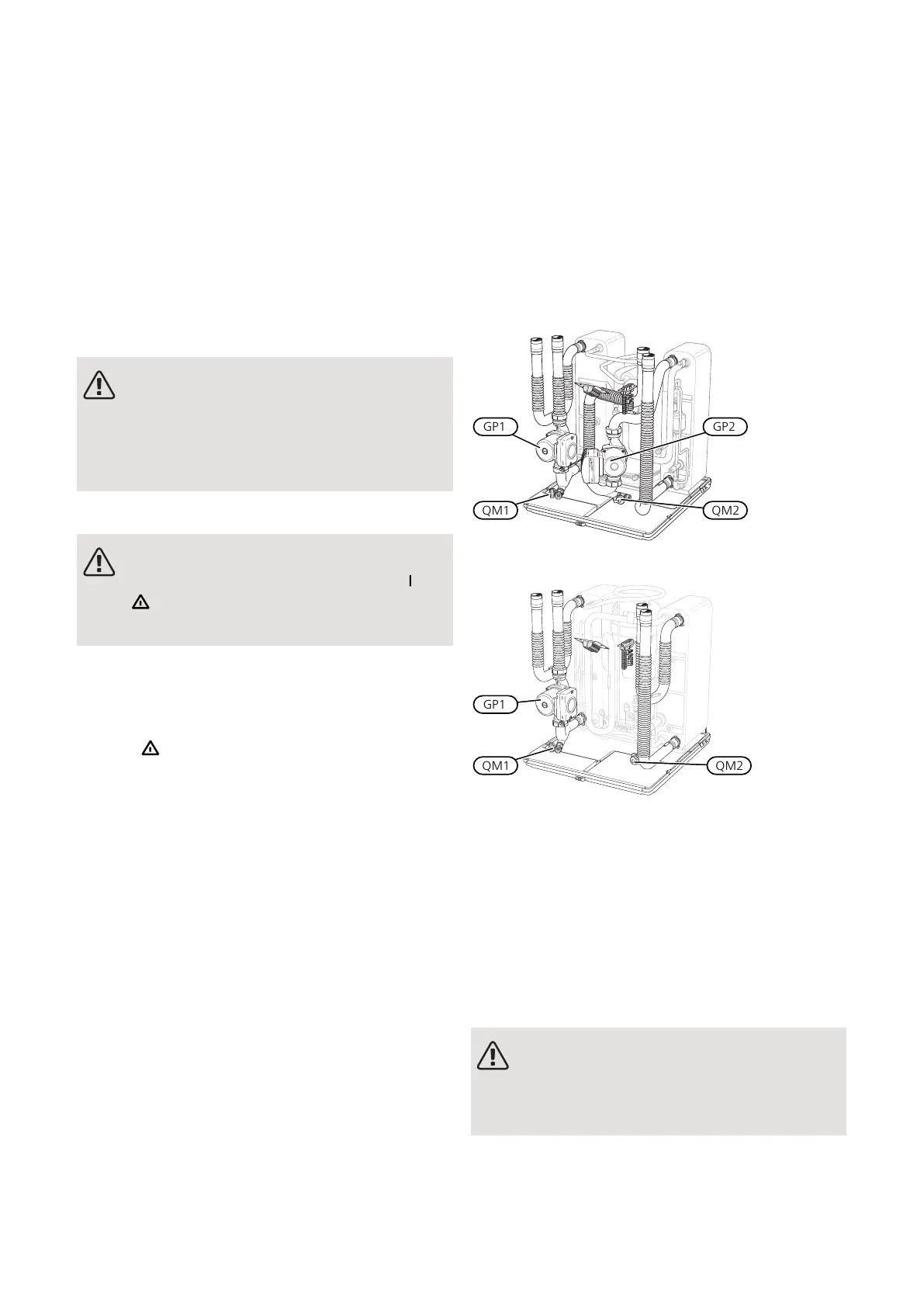
F1345 24 and 30 kW
F1345 40 and 60 kW
DRAINING THE WATER HEATER (IF DOCKED)
The siphon principle is used to empty the hot water
heater. This can be done either via the drain valve on
the incoming cold water pipe or by inserting a hose into
the cold water connection.
DRAINING THE CLIMATE SYSTEM
In order to carry out service on the climate system, it
may be easier to drain the system first. This can be done
in different ways depending on what needs doing:
NOTE
There may be some hot water when draining
the heating medium side/climate system. There
is a risk of scalding.
NIBE F1345Chapter 4 | Service44
4 Service



 To Next Page