Circuit board and electronics
NOTE
Cut all power to the product prior to carrying out work on the circuit board and electrical components.
NOTE
During all the work on circuit boards and electronics ensure that the components are not damaged by
electro static discharge (ESD).
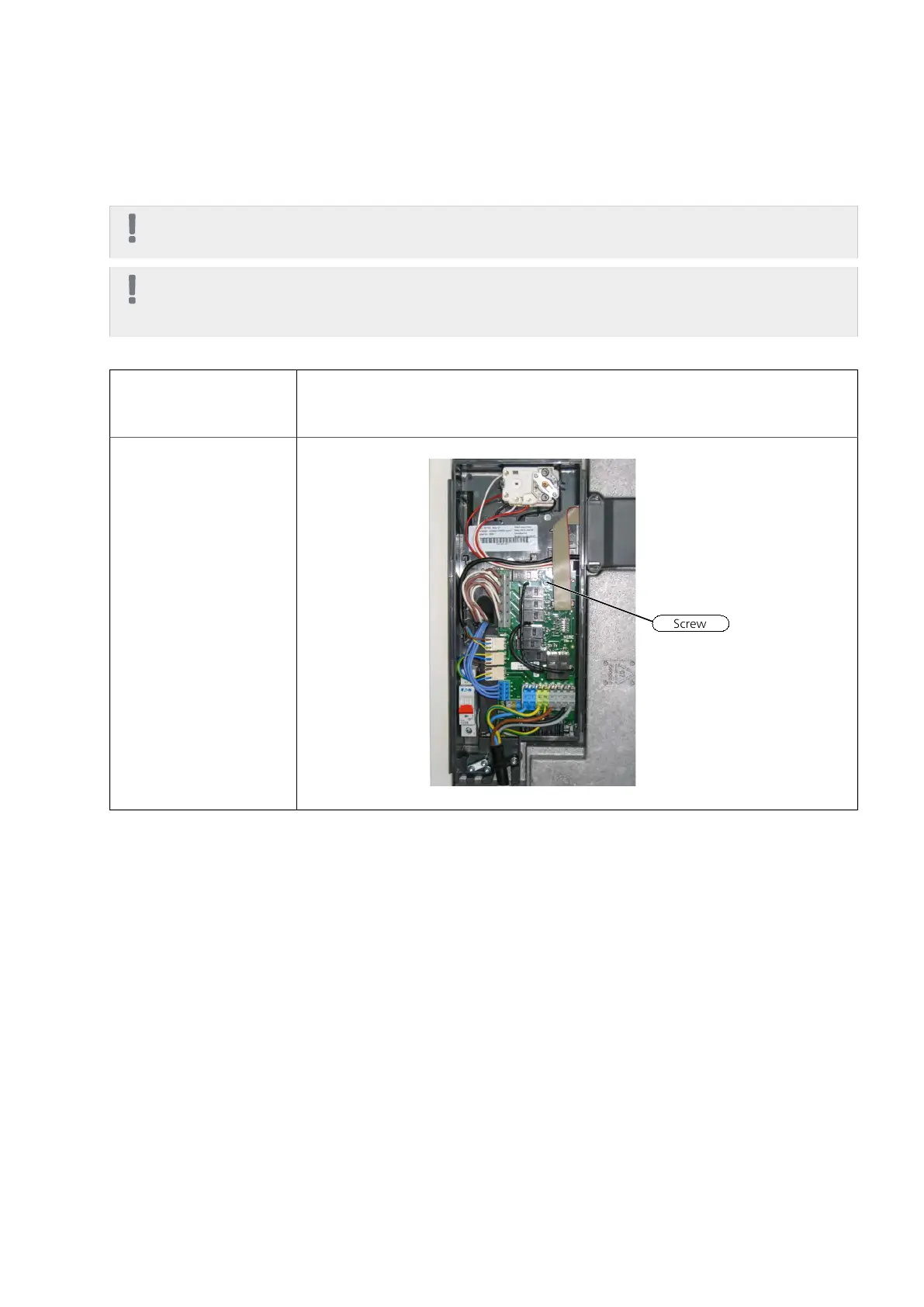
Immersion heater card (AA1)
1 Remove the plastic cover
over (AA1). See instructions
in IHB.
2 Remove the screw and
connect cables.
NIBE™ VVM 310Chapter 7 | Component replacement44



 To Next Page