CBOX1050
INSTALLATION AND PROGRAMMING MANUAL
38
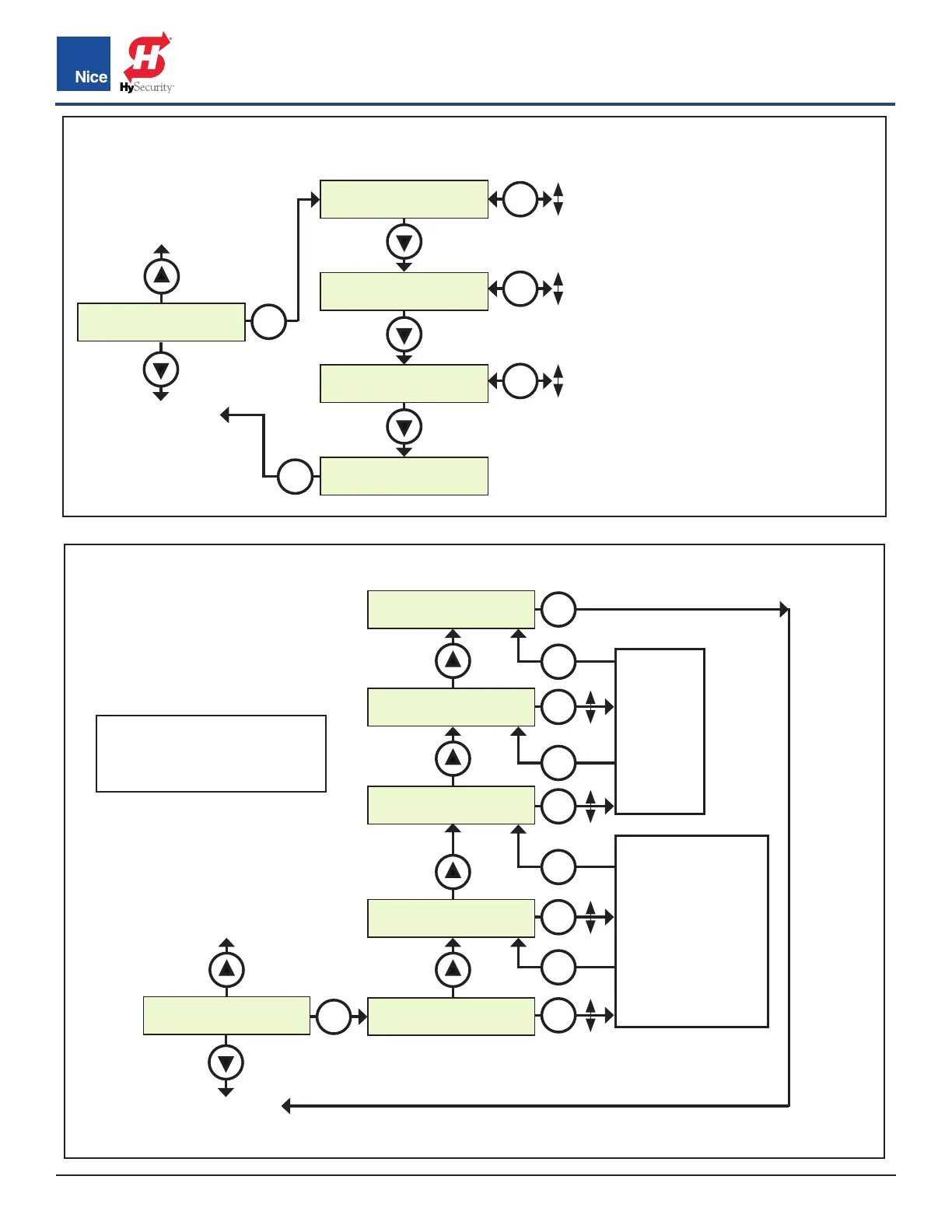
FUNCTIONS>POSITIONS MENU:
Sets points in the gate open, close, and
partial cycles at which deceleration
occurs.
• SLOW DOWN - OPEN: Sets the
point in the % of gate opening when
the gate begins deceleration to the
fully open position.
• SLOW DOWN - CLOSE: Sets the
% of gate opening when the gate
begins deceleration to the fully
close position.
• POSITIONS - PARTIAL: Sets the
point in the % of gate opening
where the gate will stop when given
a PARTIAL command.
FUNCTION BUTTON > Positions
FUNCTION BUTTON > Auxiliary IO
FUNCTION
2. Posions
SlowDown
Close 10%
Posions
Paral 50%
ESC
SlowDown
Open 100%
3. Auxiliary IO
(see next page)
1. Learn
(see previous page)
OK
OK
100%
0
OK
100%
0
OK
100%
0
OK
FUNCTION
3. Auxilliary IO
In AUX 1
Step
In AUX 2
Step
OUT AUX 1
No Program
OUT AUX 2
No Program
ESC
No Program
Open
Close
Moving
Timer 1
Timer 2
Lock
Maint.
Lamp
Pulse Close
Pulse Open
Open 1
Cls&Unlock
Opn&Unlock
Close&Lock
Open&Lock
Unlock
Lock
Shadow
Photo 2
Photo 1
Photo
Timer 2
mer 1
Fire
Hold to Close
Hold to Open
Stop
Paral 1
Paral
Step
Close
Open
No Program
4. Radio Ch
(see next page)
2. Posions
(see above)
OK
OK
OK
OK
OK
OK
OK
OK
OK
OK
NOTES:
See parameter descripons on
next page.
www.ApolloGateOpeners.com | (800) 878-7829 | Sales@ApolloGateOpeners.com



 To Next Page