10 Unidrive M702 / HS72 Control Getting Started Guide
Issue Number: 4
3.2 Communications connections
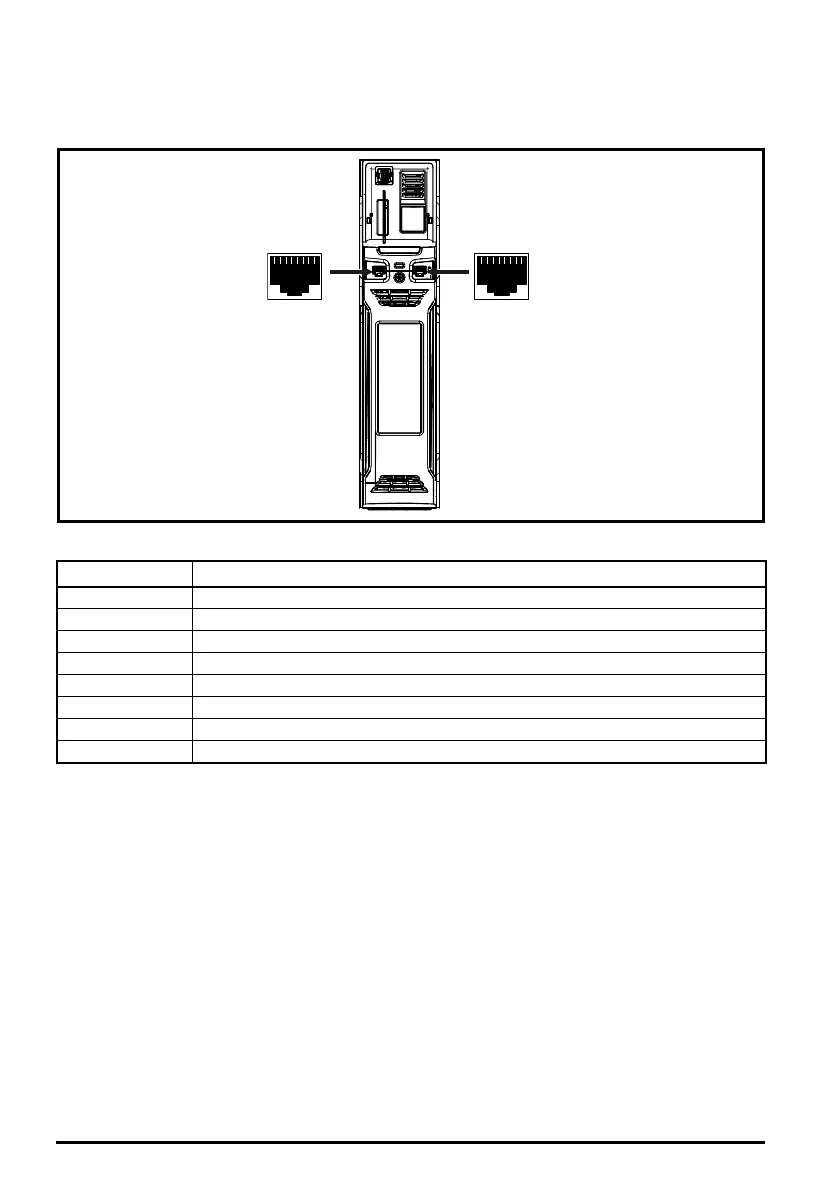
The Unidrive M702/HS72 product offers Ethernet fieldbus communications.
Figure 3-2 Location of the communication connectors
Table 3-2 Ethernet port pin-outs
3.2.1 Ethernet cable
Standard UTP (unshielded twisted pair) and STP (shielded twisted pair) are supported although it is
recommended that a minimum specification CAT5e is used in new installations. As the drive supports
‘Auto cross-over detection’, an Ethernet patch cable or a cross-over cable may be used.
Pin Description
1 Transmit +
2 Transmit -
3Receive +
4N/A
5N/A
6Receive -
7N/A
8N/A



 To Next Page
 Loading...




