EasyManua.ls Logo

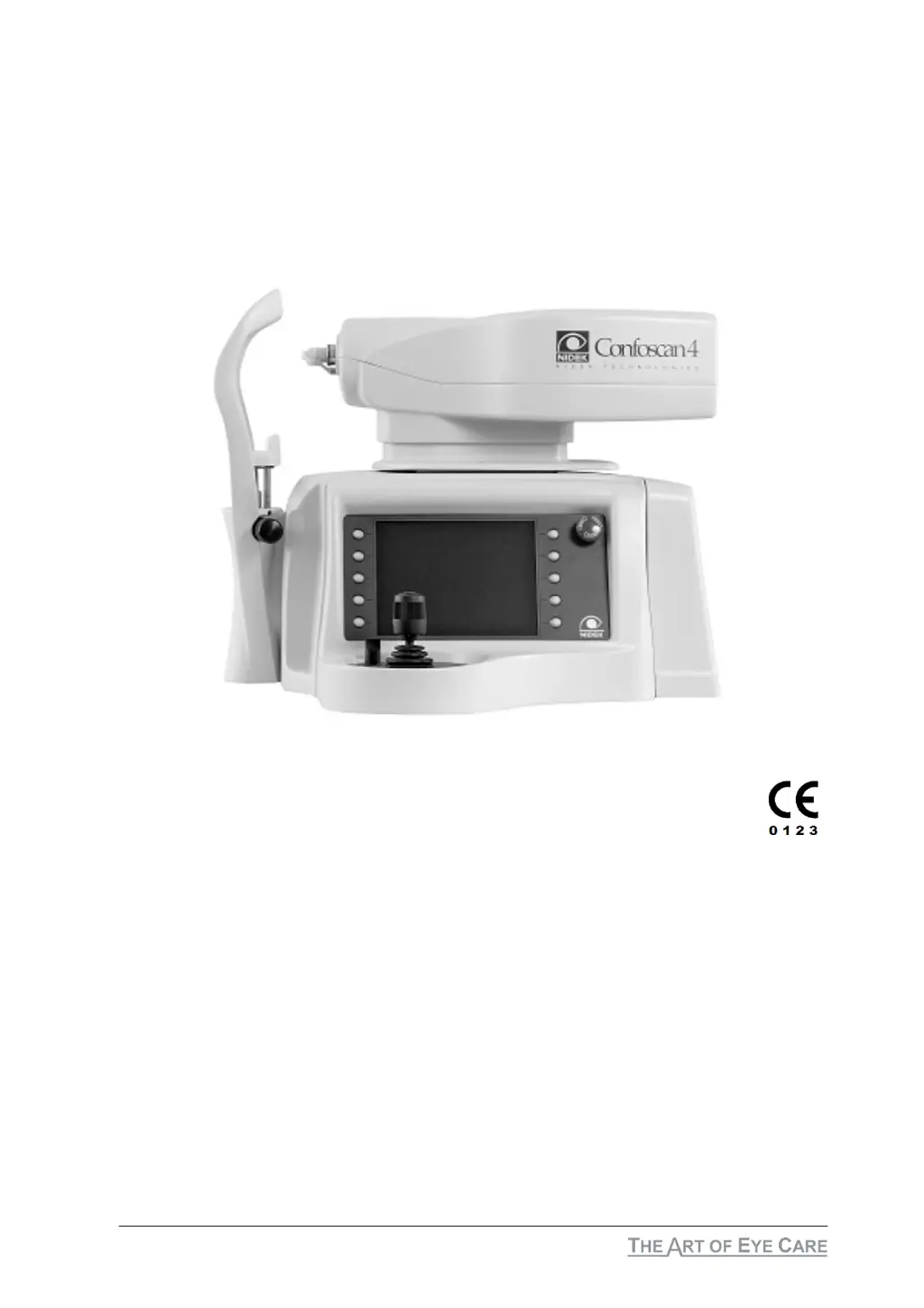
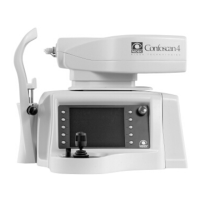
Nidek Medical ConfoScan4 - User Manual

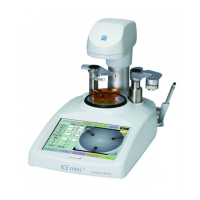
Nidek Medical ConfoScan4
72 pages
Print Icon
To Next Page IconTo Next Page
Loading...
ConfoScan4
Service Manual

Table of Contents

Questions and Answers

  • J
    Jeremy HarrisonAug 12, 2025
    What to do if Nidek Medical Equipment doesn't operate and the power switch doesn't light?
    • M
      michaellongAug 12, 2025
      If your Nidek Medical Equipment doesn't operate and the power switch doesn't light, check the power voltage of the wall outlet, inspect the fuses, and verify the power switch of the equipment.
  • C
    Cassandra ClarkAug 16, 2025
    What to do if Nidek Medical Equipment is turned on, and the display works properly, but the joystick does not start the exam?
    • C
      Christopher CookAug 16, 2025
      If the Nidek Medical Equipment is on, the display works, but the joystick won't start the exam, check if the immediate stop button is activated and reset it if necessary. Also, inspect the motion control board, the processor board, and ensure the front lens is present.
  • T
    Teresa HillAug 19, 2025
    What to do if Nidek Medical Equipment does not operate while the power switch light is turned on?
    • B
      bchavezAug 19, 2025
      If your Nidek Medical Equipment's power switch light is on but the equipment doesn't operate, examine the power supply, the power filter, the processor board, and the display assembly.
  • N
    nchambersAug 23, 2025
    What to do if Nidek Medical Equipment is turned on, and the display works properly, but pushing any buttons of the keyboard or the joystick makes the equipment not operate?
    • R
      Richard BassAug 23, 2025
      If your Nidek Medical Equipment is on and the display works, but the equipment doesn't respond when you push any buttons on the keyboard or joystick, try the following: * Turn off the equipment. * Wait a few minutes. * Turn it back on and retry. If the problem persists, check the processor board, joystick assembly, joystick control board, and the serial board.
  • M
    Marie HallAug 27, 2025
    Why the head of Nidek Medical Equipment does not move correctly or moves roughly, or moves with noise?
    • A
      Alisha ThompsonAug 27, 2025
      If the head of your Nidek Medical Equipment doesn't move correctly, moves roughly, or makes noise, check the robot assembly and the photocell of mechanical parts.
  • D
    david63Aug 31, 2025
    What to do if Nidek Medical Equipment is turned on, and the speaker emits a sound 'beep', but the display doesn’t work properly?
    • G
      Gabriel TurnerAug 31, 2025
      If your Nidek Medical Equipment is turned on, and the speaker beeps, but the display doesn’t work properly, check the display assembly and the processor board.
  • W
    William WilliamsSep 3, 2025
    How to improve image quality on Nidek Medical Equipment?
    • J
      Jeremy PhillipsSep 4, 2025
      To improve image quality on your Nidek Medical Equipment, clean the 40X and 20X lenses using only a soft cloth and distilled water, as the coating is very fragile.
  • H
    Hunter GilbertSep 7, 2025
    What to do if Nidek Medical Equipment works correctly, but the speaker does not emit the 'beep' sound at the end of the exam recording?
    • J
      Jose ClarkSep 7, 2025
      If your Nidek Medical Equipment works correctly, but the speaker doesn't 'beep' at the end of the exam recording, check the speaker and its connector, and also check the buzzer of the processor board.

Nidek Medical ConfoScan4 Specifications

General IconGeneral
BrandNidek Medical
ModelConfoScan4
CategoryMedical Equipment
LanguageEnglish

Related product manuals