SP Series
Operating & Safety Instructions
USA – 11/14
Original instructions
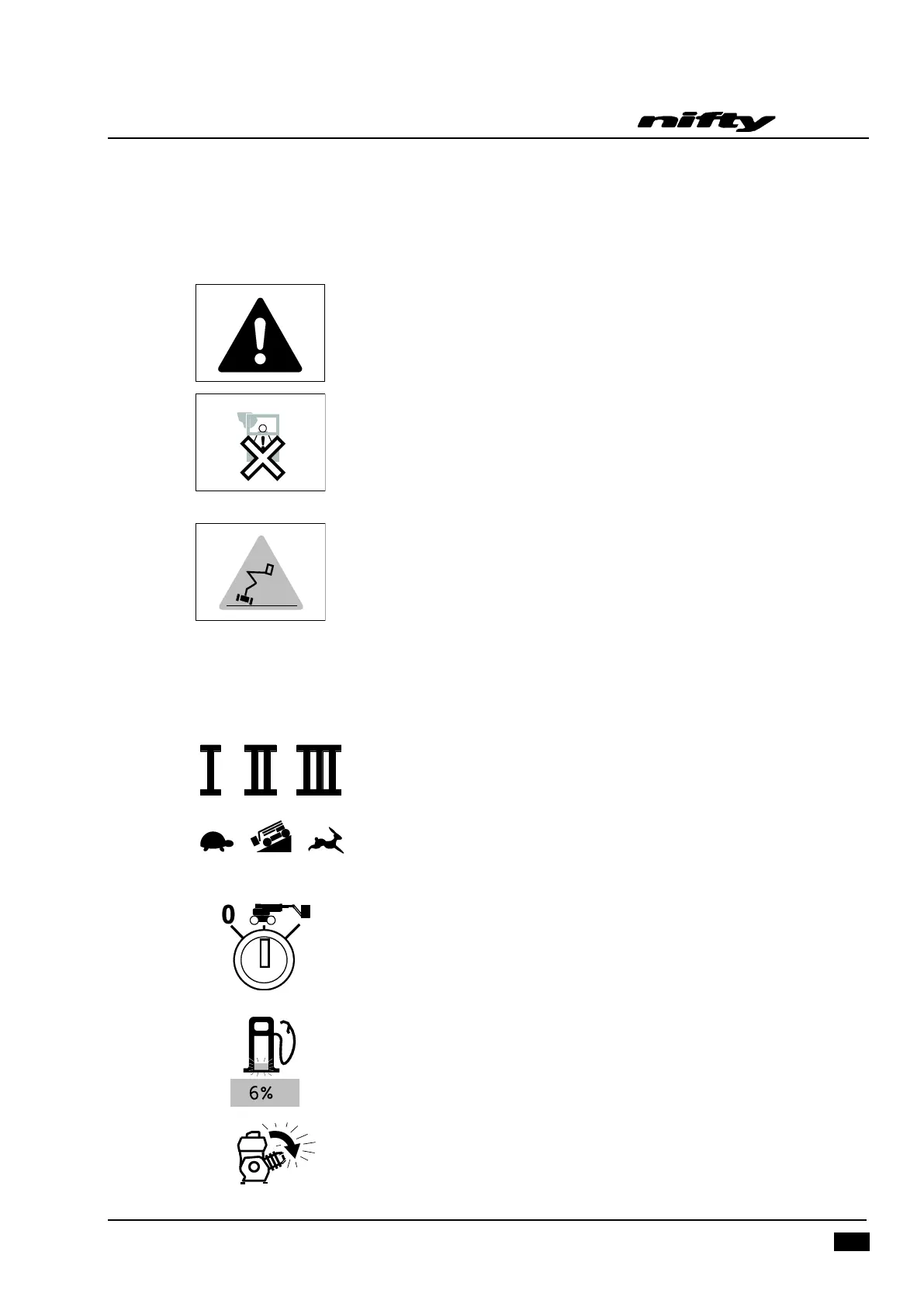
4.3.3 INFORMATION ICONS
Safety Critical
Safe Working Load exceeded:- The alarm sounds and the display
alternates between the images shown here. The Maximum SWL (500lbs)
has been exceeded. Immediately remove any unnecessary items from the
basket in a safe manner to restore machine functions.
Alternatively, the basket may have come into contact with a fixed object,
see Section 5.3 for recovery procedure.
MAX tilt angle exceeded:- The alarm sounds and the display shows this
image. Lower booms into stowed position and drive onto level ground to
fully restore machine operation.
Note:If a Safety Critical condition (red flashing triangle) has been
detected, the safety warning lamp on the Basket Control Panel and Base
Control Panel will also illuminate.
Advisory
Boom Function Speed: Determined by the Speed Selector switch on the
Basket Control Panel (Refer to Page 25).
Drive Speed: Determined by the Speed Selector switch on the Basket
Control Panel (Refer to Page 25). Digital display reverts to these icons once
the joystick trigger is activated.
Ground Controls: To enable basket controls, selector switch located on
ground controls must be turned clockwise. (Refer to Section 4.2.1, Item 7)
Fuel Level Low: Flashing fuel pump icon indicates fuel tank is <10% full.
Engine Running: Flashing arrow adjacent to the engine icon indicates
diesel engine is running.


 To Next Page