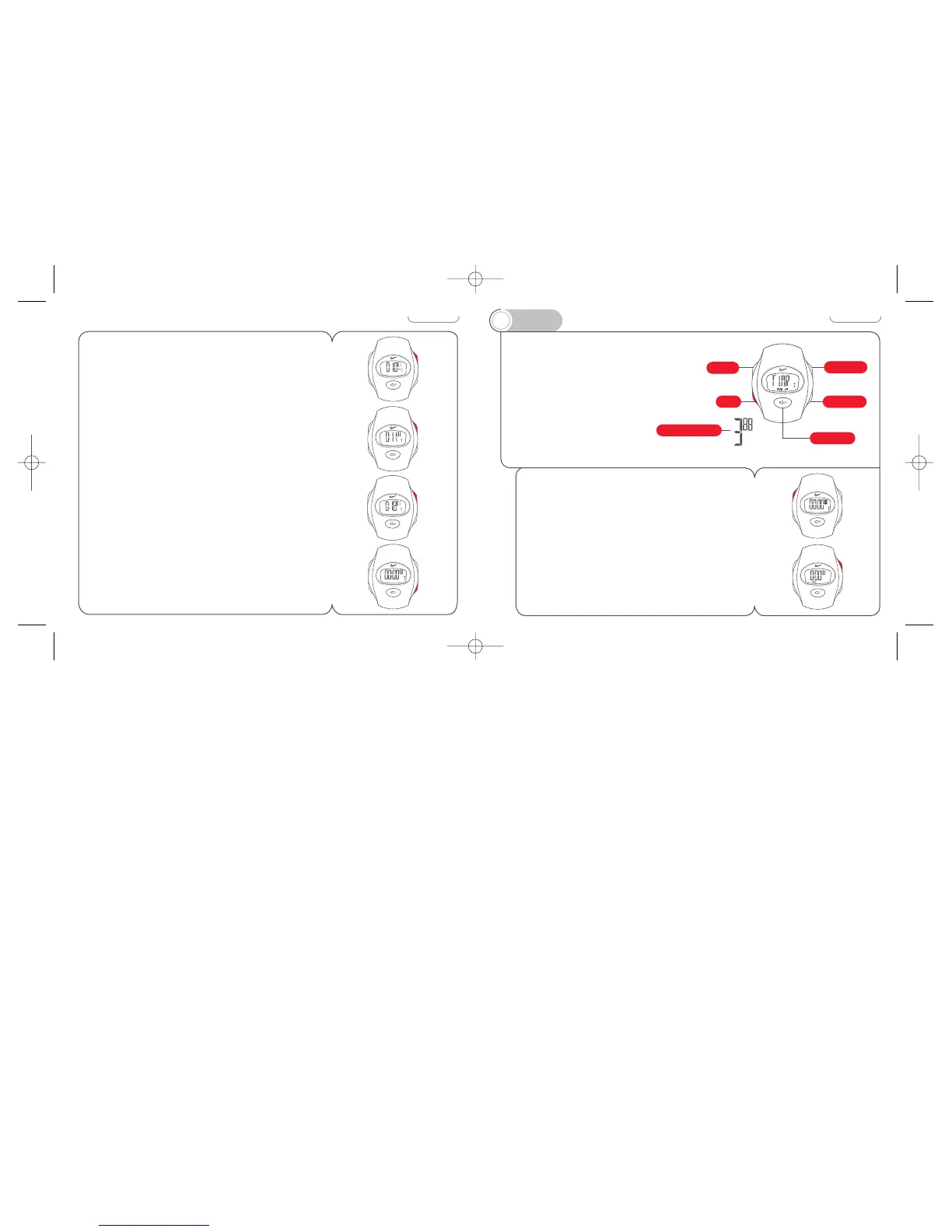
To stop measuring elapsed time
Press START/STOP button.
Total elapsed time will be displayed.
To measure additional time increments
Press START/STOP button.
Time measurement restarts.
To reset the chronograph
Press START/STOP button to stop the chronograph.
Chronograph must be stopped to reset.
Then press SPLIT/RESET button.
Chronograph resets to 00’00”00.
10
The TIMER mode provides a countdown
timer. It is programmable in one
second increments up to 99’59”.
Minimum measurement is five
seconds. An audible three second
alert will signal the end of each
countdown. A different tone sounds
for five seconds as the full function
chronograph begins counting up
from zero.
To set the timer
1 While reset, press and hold ADJUST button for two
seconds.
The seconds designator flashes. If no buttons are pressed
for 2-3 minutes, the watch will exit ADJUST mode.
2 Press START/STOP button to change the flashing value.



 To Next Page