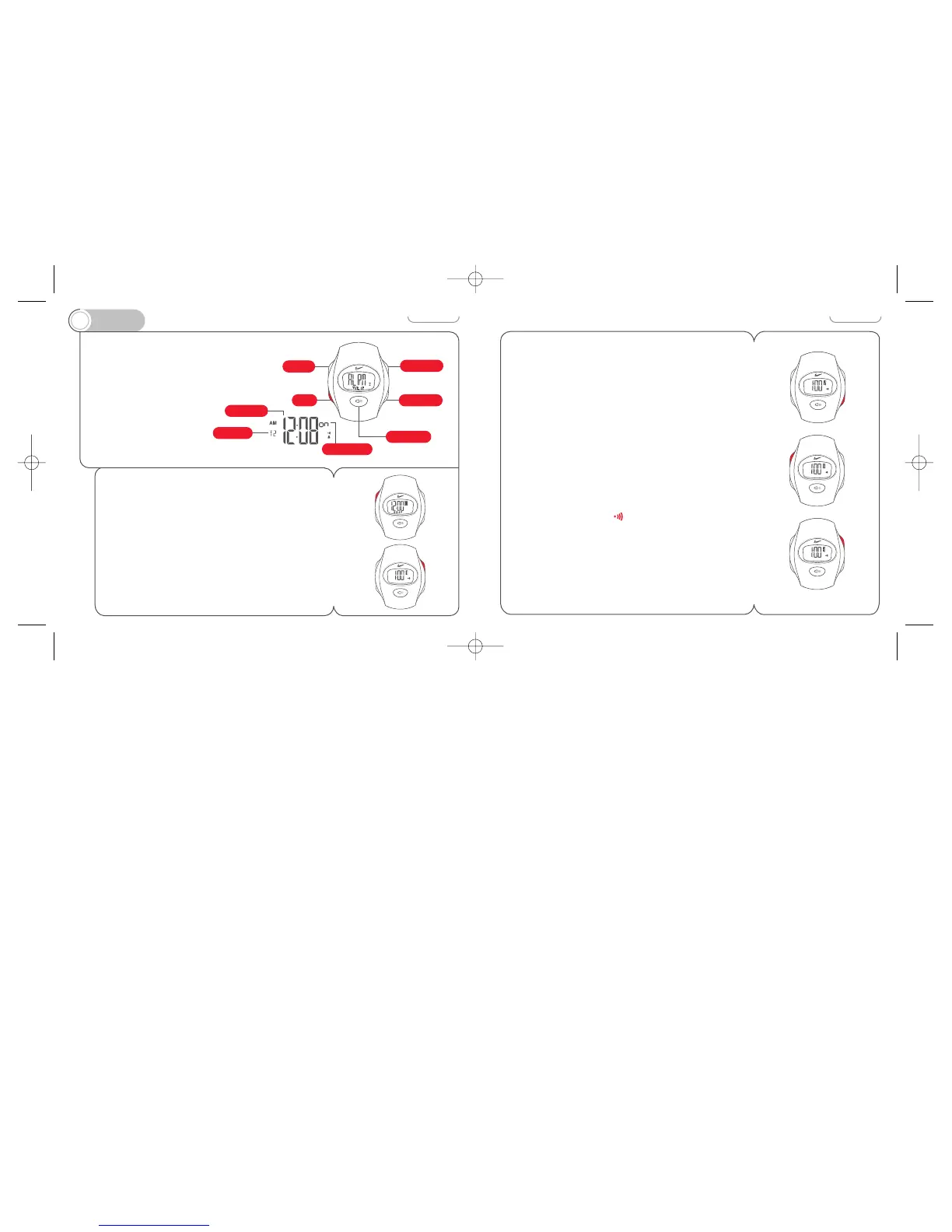
In ALARM mode you
can set an alarm that
will sound for twenty
seconds, or until any
button is pressed.
For the last five seconds
the Nike Electrolite
display will flash
in unison.
To set the alarm
1 Press and hold ADJUST button for two seconds.
Hour designator flashes. If no buttons are pressed for 2-3
minutes, the watch will exit ADJUST mode.
2 Press START/STOP button to change the flashing value.
14
3 Press SPLIT/RESET button to advance to next programmable
element.
4 Repeat this process to set the minute and determine which
time zone the alarm refers to.
5 Press ADJUST to save settings and activate the alarm.
To turn alarm ON/OFF
Press START/STOP button while in ALARM mode.
Alarm display will alternate between on and –– (off).
When the alarm is set the symbol will appear.
Alarm will not ring unless set to the same time zone
as the time mode.
To deactivate a sounding alarm
Press any button.



 To Next Page