e
NIKE ELECTROLITE DISPLAY
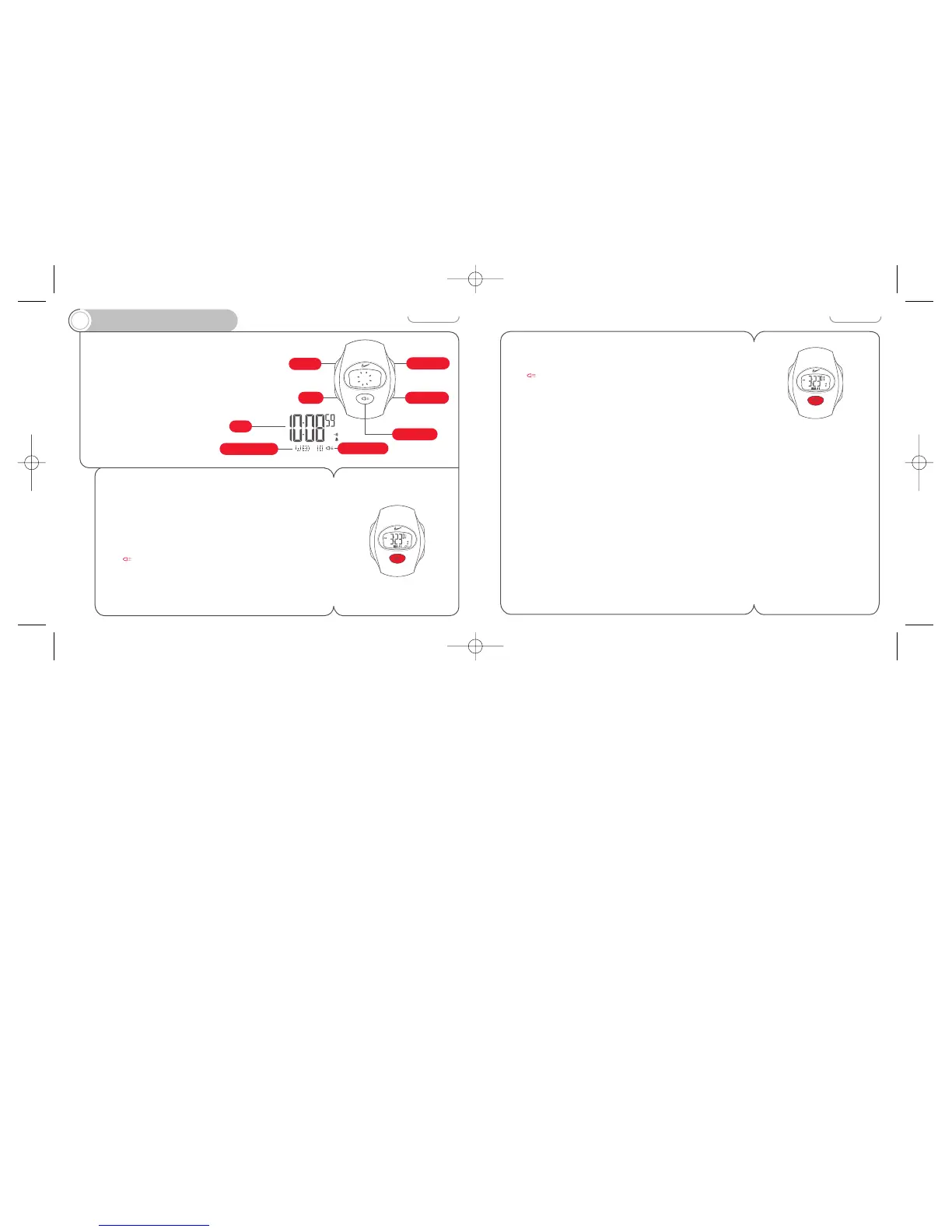
Nike Electrolite display enables
one touch backlighting for
instant ’round-the-clock
readability.
You can also facilitate night
use by setting the Electrolite
display to automatically activate
at the press of any button.
To illuminate the display
Press the LIGHT button.
The Electrolite display will illuminate for three seconds.
To activate the auto-Electrolite display
In any mode press and hold the LIGHT button for three
seconds.
The symbol appears. When the auto-Electrolite
display is activated the display will illuminate for two
seconds at the press of any functional button (except
adjust mode).
16
To deactivate the auto-Electrolite display
Press and hold the LIGHT button for three seconds.
The symbol will disappear.
Note: Use this function only as needed. To conserve battery
life, the auto-Electrolite display will turn itself off after
about 11-12 hours.



 To Next Page