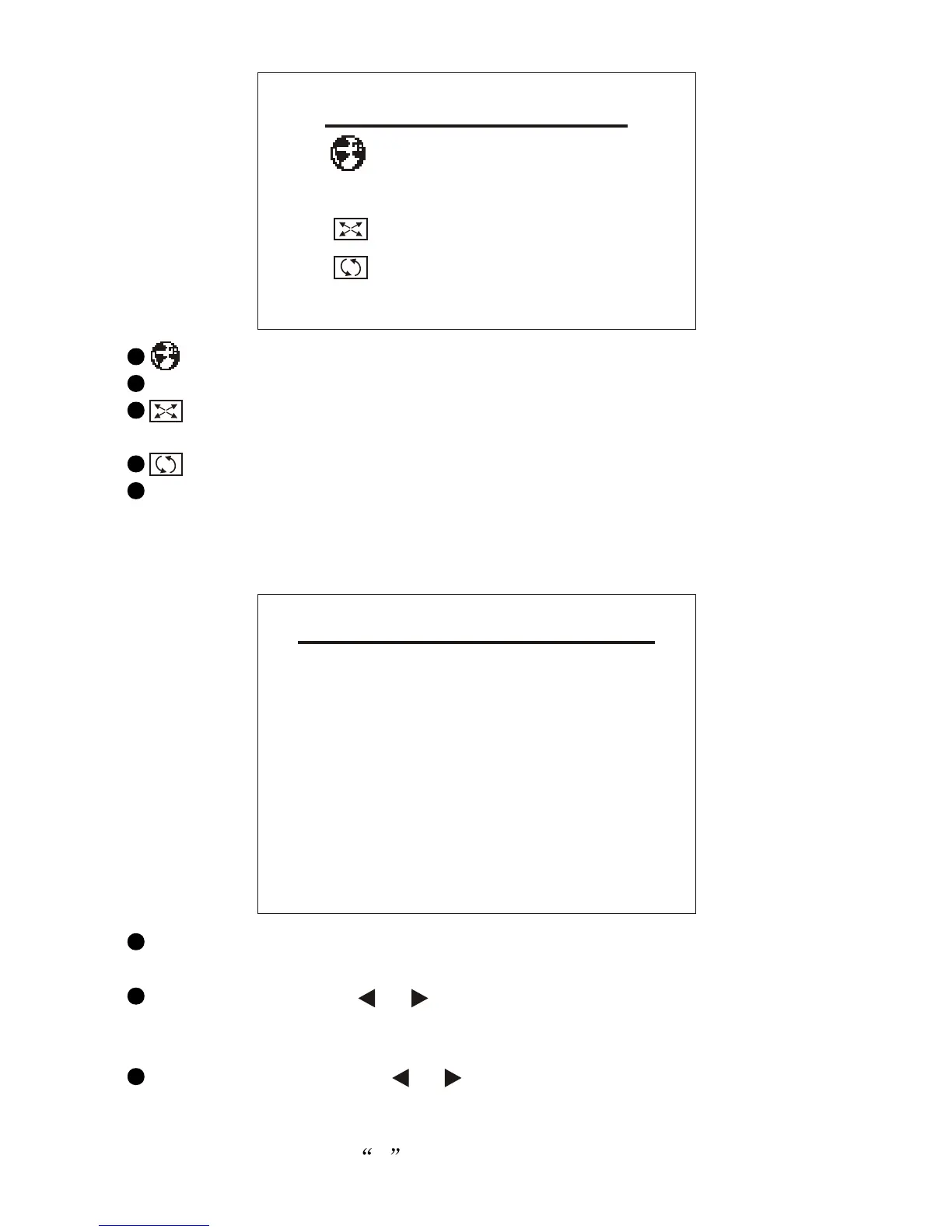
PRESET
POSITION 1
REMEMBER ON
AUTO-SEARCH
SWAP 1
FINE 0
SEARCH 551MHZ
SOUND-SYS DK
COLOR-SYS PAL
SYSTEM
ENGLISH
CLOCK OFF
16:9
1
BLUE BACK ON
-16-
: Allows you to select the language you want.
CLOCK: Allows you to set the time for auto shutdown.
: (Display screen mode) Allows you to switch the mode between
16:9/4:3.
: Allows you to revolve the image.
BLUE BACK: Allows you to activate or deactivate this function when
there are no signals.
9.3 PRESET
POSITION: Allows you to select a certain channel and activate
SWAP, FINE, SEARCH, SOUND-SYS and COLOR-SYS.
REMEMBER: Press or to select OFF. Thus, this channel does
not display when you change channels. If it is set to be ON, this
channel would display on changing channels.
AUTO-SEARCH: Press or to start AUTO-SEARCH function.
After AUTO-SEARCH, the system will save the channels
automatically. After selections of channels, the system will return to
the channel number 0 .



 To Next Page