-11-
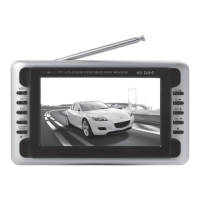
8.2.2 Enter TV Guide Menu, under the program gide, you can see
the current channels display list, press to move the cursor to the
channel you wish to watch, press key to enter the Guide timer of
the selected Channel, press RED key to move Channel
to Advance Timer .
8.3 MULTIMEDIA
Operation Guide for USB&CARD :
This device supports many brands of USB, Multi Media Card (MMC),
SD, Memory Stick (MS) in the market.
1. The memory of USB&CARD must within 2G.
2. This device supports JPEG, MP3, WMA, VCD and AVI (donot
support DIVX3.11 format and AC3 audio zip format.
Note:
1. TS under 1000KBP/S can be play very smoothly otherwise it may
stop.
2. The USB plug do not support Card reader, mobile harddisk, MP3
and MP4 device.
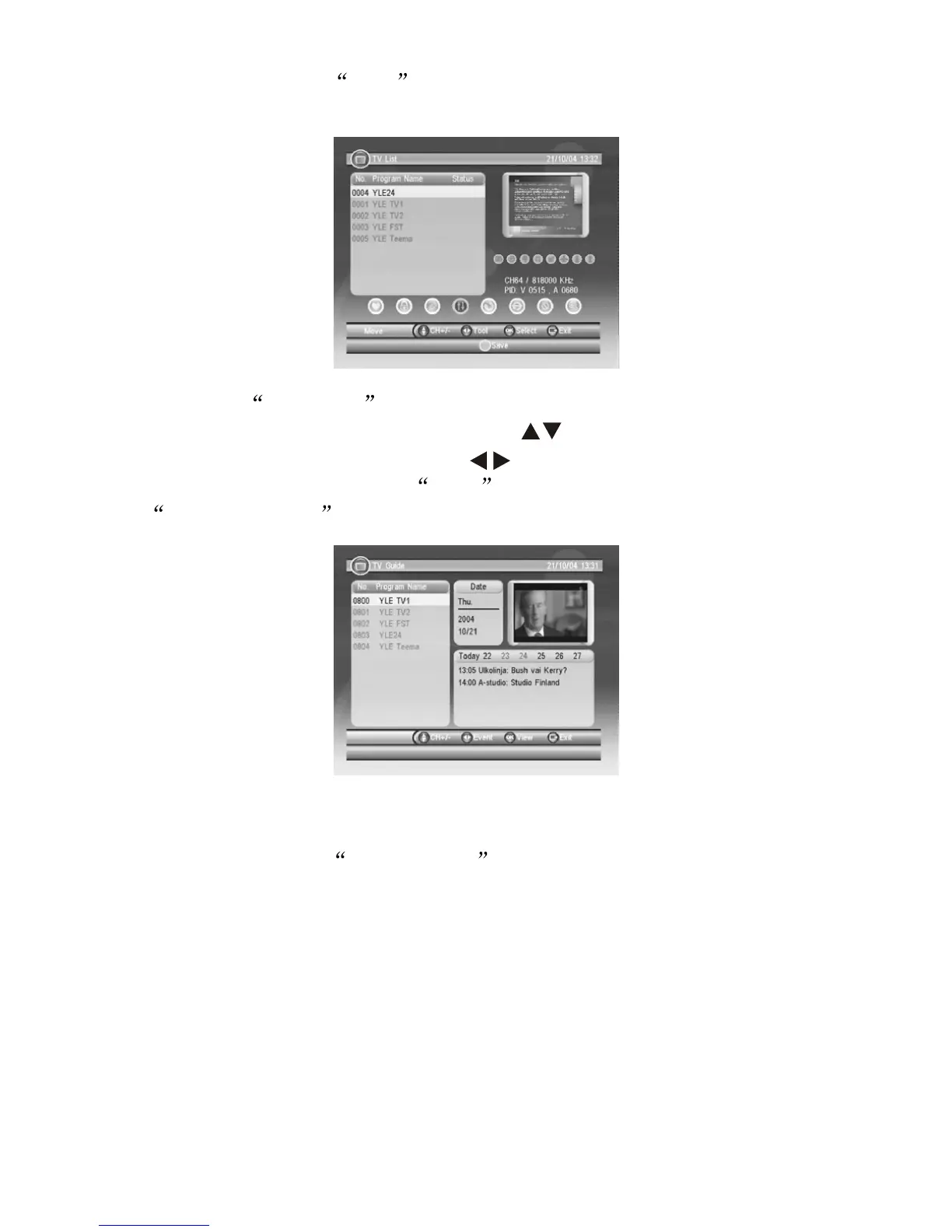
When LCN setup as OFF , (see 8.1.1) the following Menu surface
will be appear: Move and Sort are for setting channels in order.


 To Next Page