VIII DVB-T MENU Operation Guide
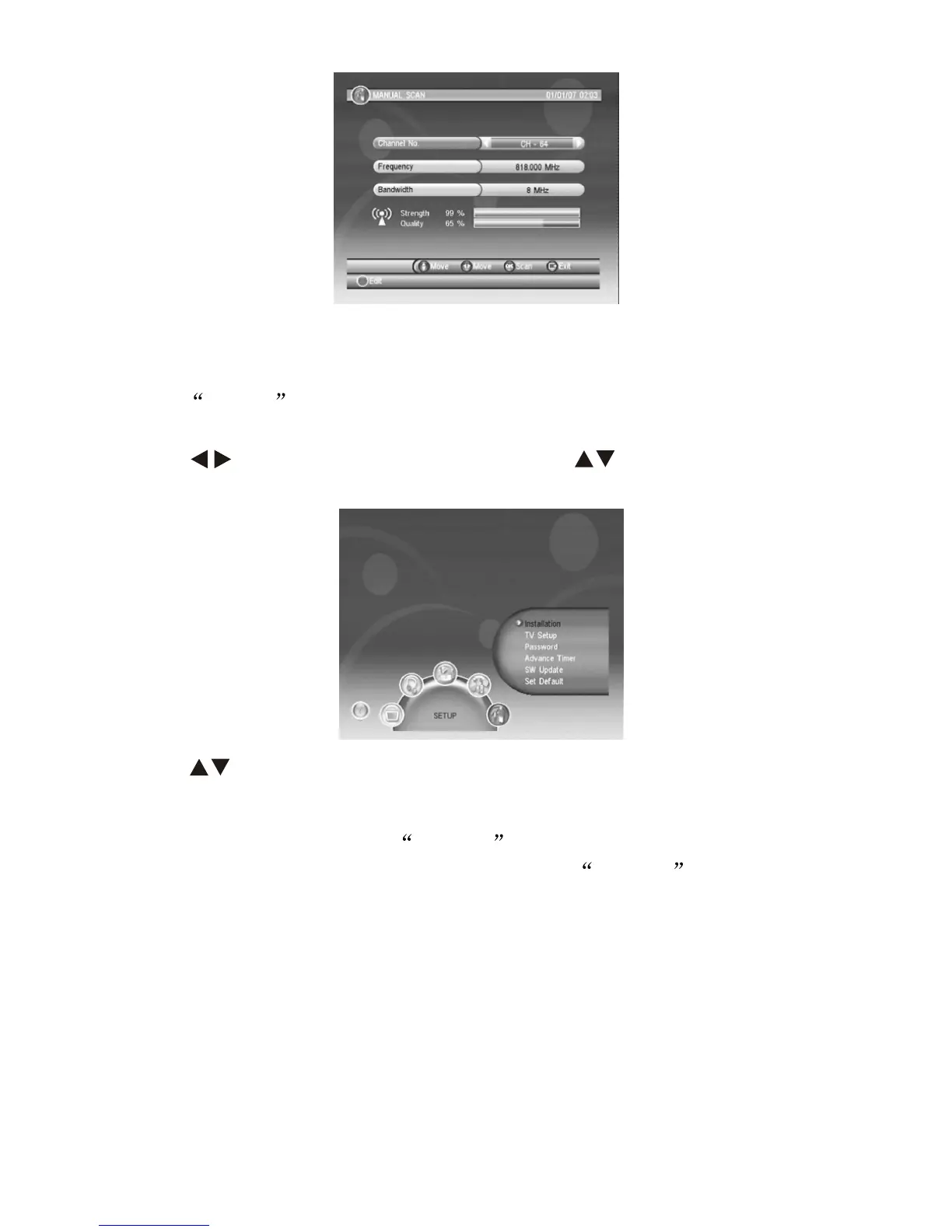
Press MENU from the remote control or from the device to enter
MENU surface, there will be five menu and some sub-menu under.
Press to switch each menu, then press to select sub-menu,
press OK to enter sub-menu.
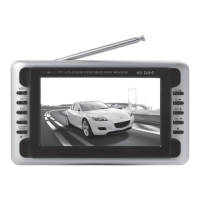
8.1 SETUP
There's 6 sub-menu under SETUP , press to setup specifications
and return to factory default, please confirm SETUP befare
receiveing channels.
8.1.1 Installation
(1) Antenna Setting: setting for ON/OFF the Antenna.
(2) Country Setting: select country according to your location.
(3) OSD Language: OSD Language setting.
(4) Audio Language: Language setting according to receiving signals
supported Languages.
(5) Subtitle Language: Language setting according to receiving
signals supported Languages.
(6) LCN: ON/OFF for logictal program list.
-8-
Press to move cursor to your wanted location.


 To Next Page