PICTURE
BRIGHT 50
CONTRAST 50
COLOUR 50
RESET
-15-
IX ATV Menu
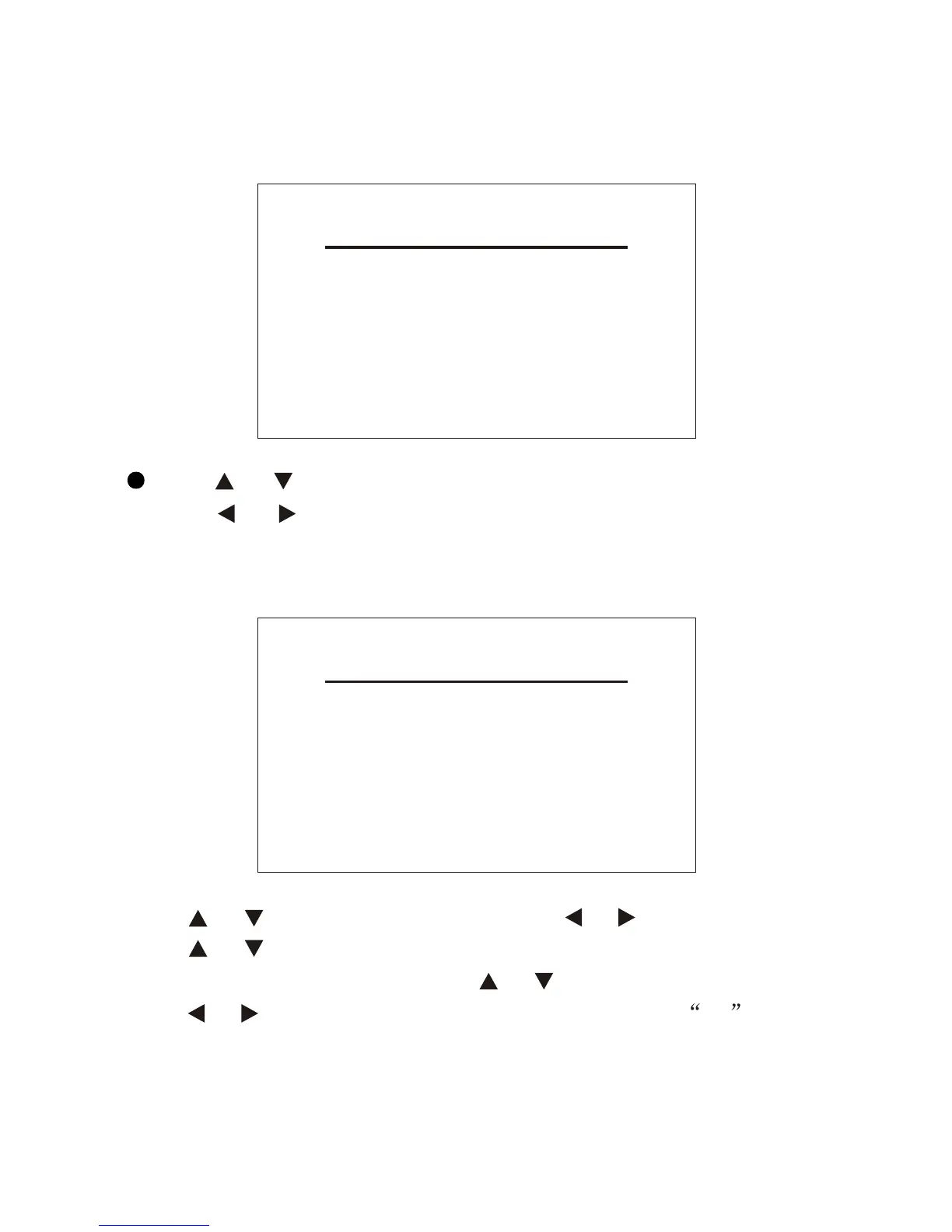
Press the MENU button to pop up the following menu:
MAIN MENU
PICTURE
SYSTEM
PRESET
Press or to select one of the three entries above.
Press or to open the submenu.
9.1 PICTURE
Press or to select BRIGHT and press or to adjust its analog.
Press or to select CONTRAST and COLOUR in turn and adjust
the analog in the same way. Press or to select RESET. Then,
press or to have the analog you have set return to 50 .
9.2 SYSTEM


 To Next Page