-12-
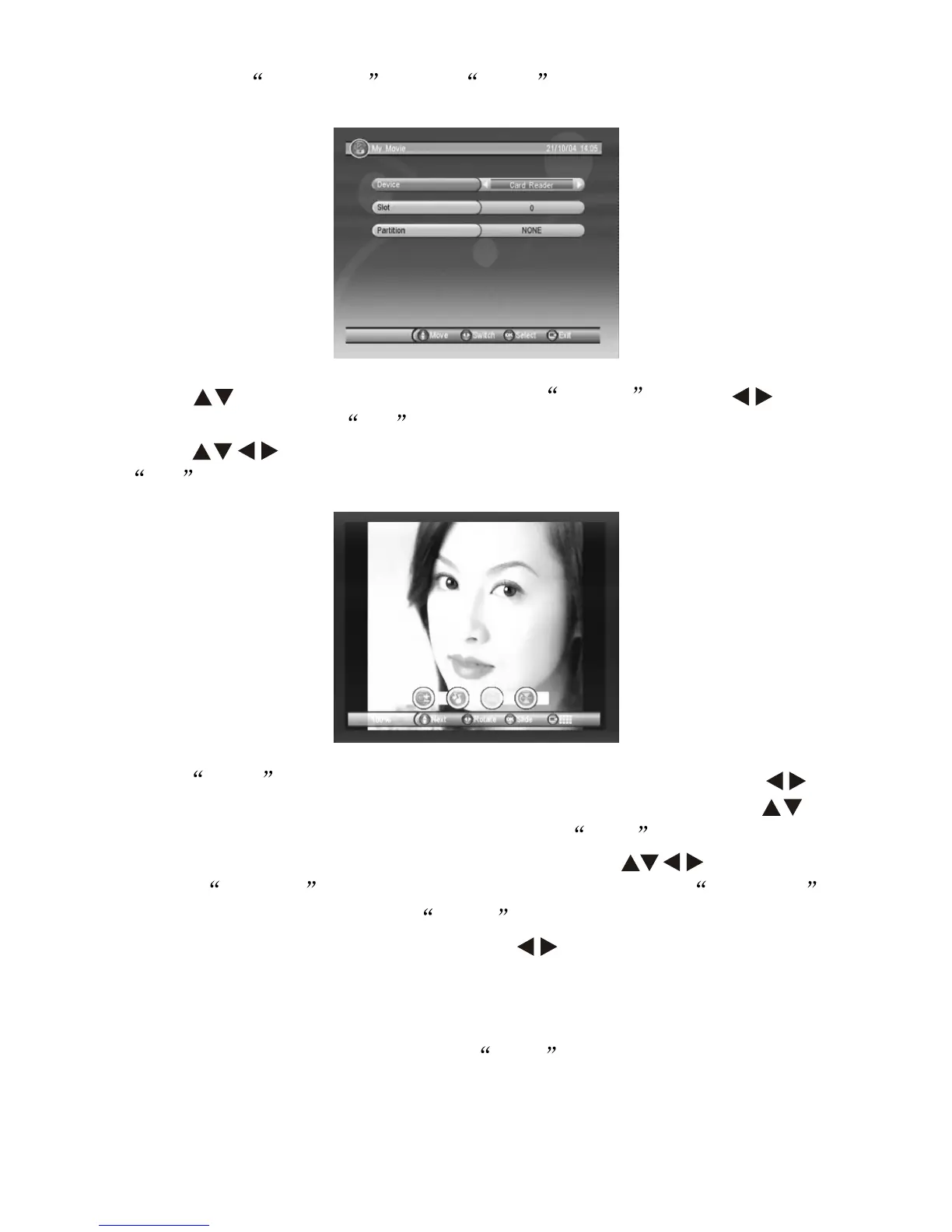
Press key to move cursor to select Device , press to
switch drivers, press OK to return to different file Menu surface.
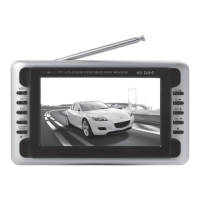
Press key to select the picture you wish to view, press
OK to confirm as follow:
Press INFO from the remote control for viewing tools, press
key to move the picture for clock wise or anti-clock wise, press
key to select next or previous picture, press RED from the remote
control for Zoom in function, after zoom in, press key to move
picture. GREEN key for ON/OFF background music, YELLOW
key for leftward or rightward, BLUE key for upward or downward.
When background music is ON, press to for volume up or volume
down; background music play surface remains the same as in music
play surface, please refer to 8.3.4.
8.3.2 When viewing Picture, press EXIT key to enter 12 picture
Guide mode.
8.3.1 Enter My Album , press INFO to change drivers as shows
below:


 To Next Page