-13-
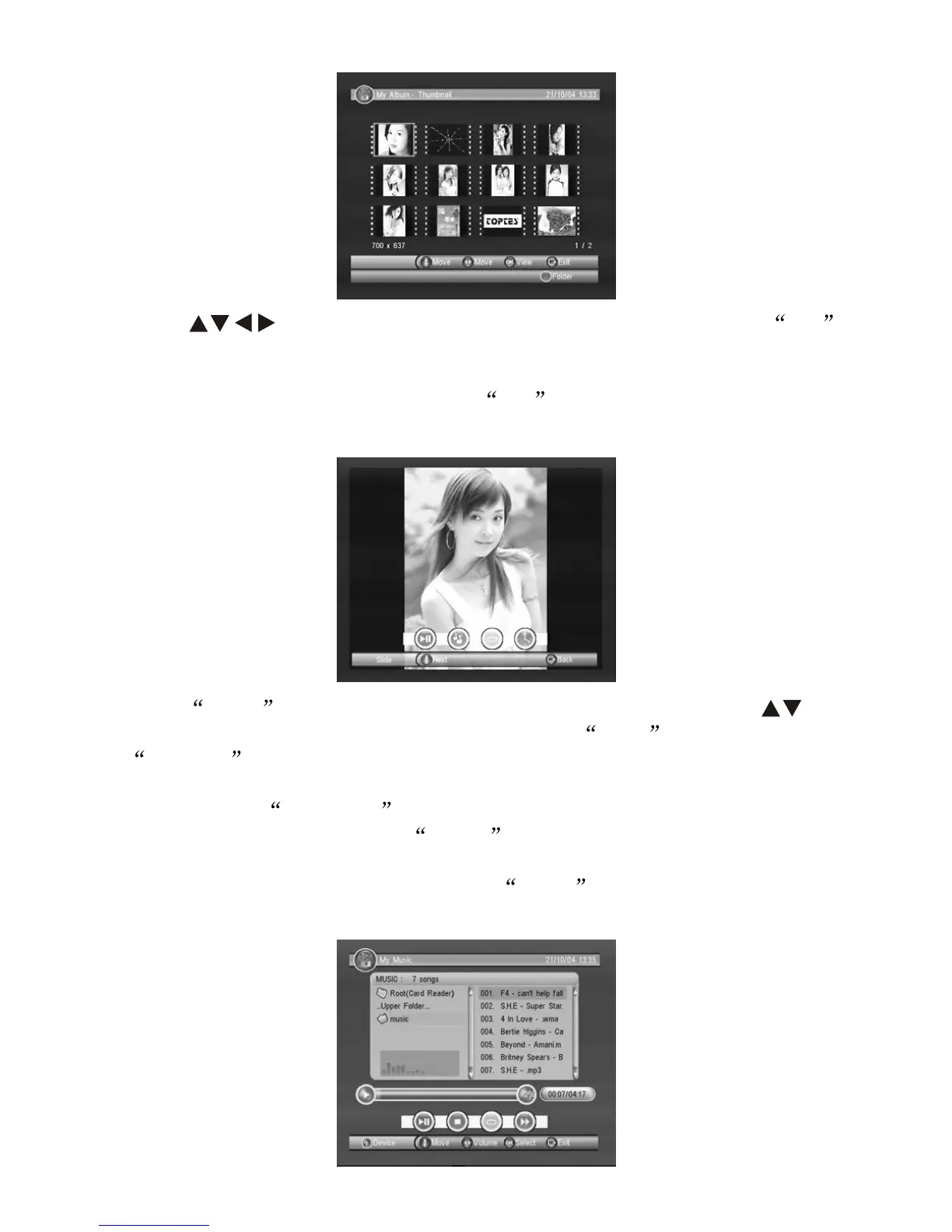
Press key to select the picture you wish to view, press OK
to view, press 'BLUE' in the remote control to return to the original file
Menu.
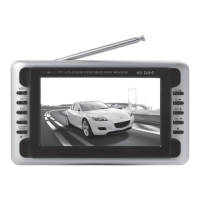
8.3.3 When viewing Picture, press OK key to enter Picture
playing mode and auto-switch to different effect to view the picture.
Press INFO from the remote control for playing tools, press
key to select previous or next pictures, press RED for play/pause;
GREEN key to open background music surface, background
music play surface remains the same as in music play surface, please
refer to 8.3.4: YELLOW key for circulate mode, able to select
circulate play or single play; BLUE key for picutre play speed
setting, fast, medium and slow
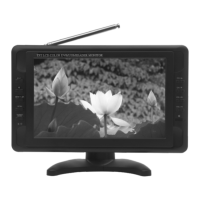
8.3.4 Enter My Music surface, press INFO key to change driver
(mentioned in 8.3.1)


 To Next Page