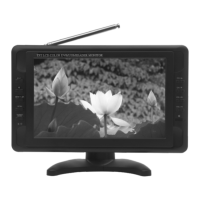
9.4 Proper Receiving
9.4.1 Access the setting entries of the Language in the System to
choose your required OSD language.
9.4.2 Access the setting entries of the SOUND-SYS and
COLOR-SYS and start searching channels according to specific
instructions in Part 9.3.
9.4.3 Access the setting entries of the AUTO-SEARCH and
SEARCH and make sure whether the systems are set according
to the responding transmitting requirements. Refer to Part 9.3 for
specific instructions.
9.4.4 To achieve the best effect for receiving channels, please adjust
the direction and angle of your antenna.
-18-


 To Next Page