25
z
To end playback and return to shooting mode, press the shutter-
release button halfway.
Viewing Photographs
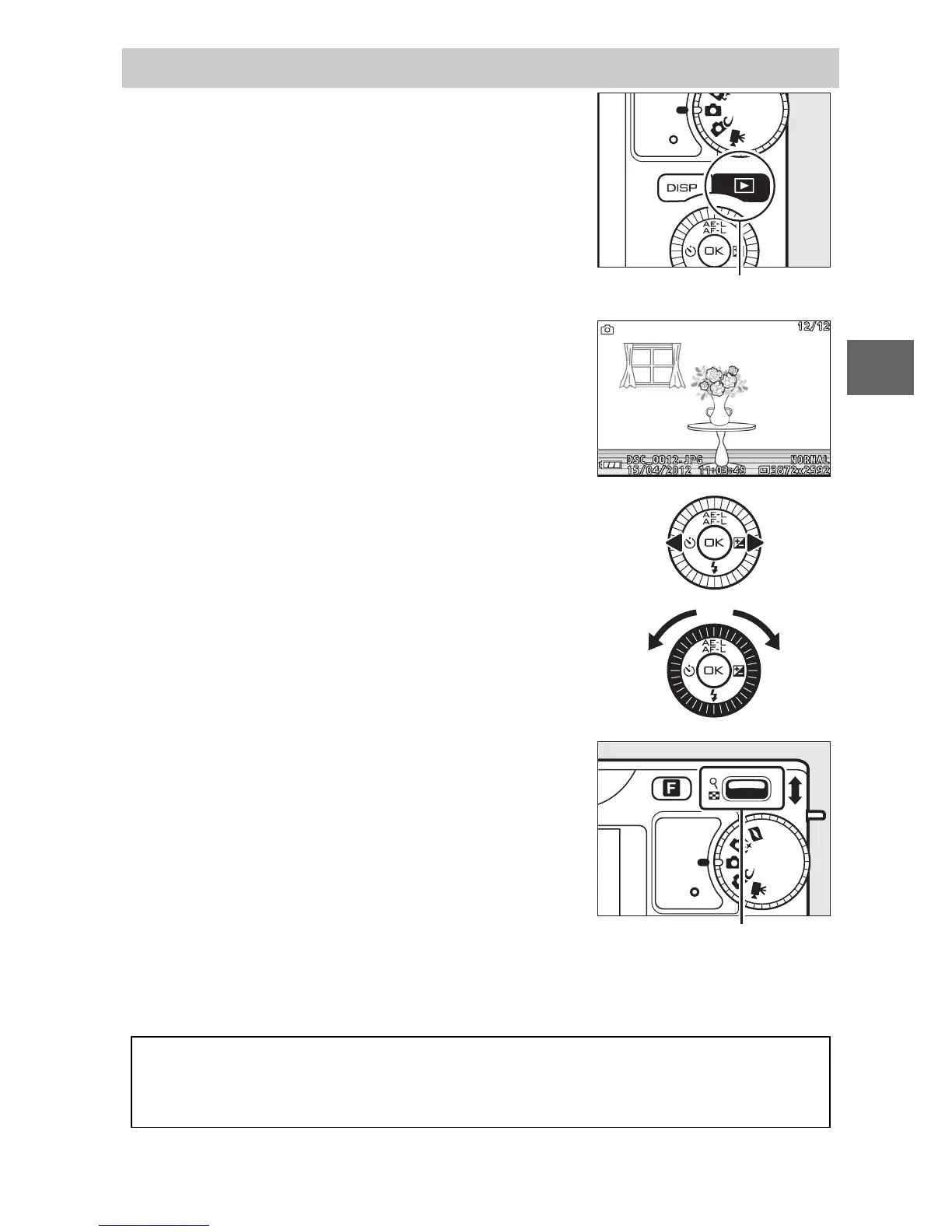
Press K to display your most recent pho-
tograph full frame in the monitor (full-
frame playback).
K button
Press 4 or 2 or rotate the multi selector
to view additional pictures.
To zoom in on the center of the current
image, press the W control up (0 72).
Press W down to zoom out. To view multi-
ple images, press W down when the pic-
ture is displayed full frame (0 70).
W control
A
See Also
For information on toggling photo info on or off, see page 67. See page
75 for information on slide shows.



 To Next Page