158
g
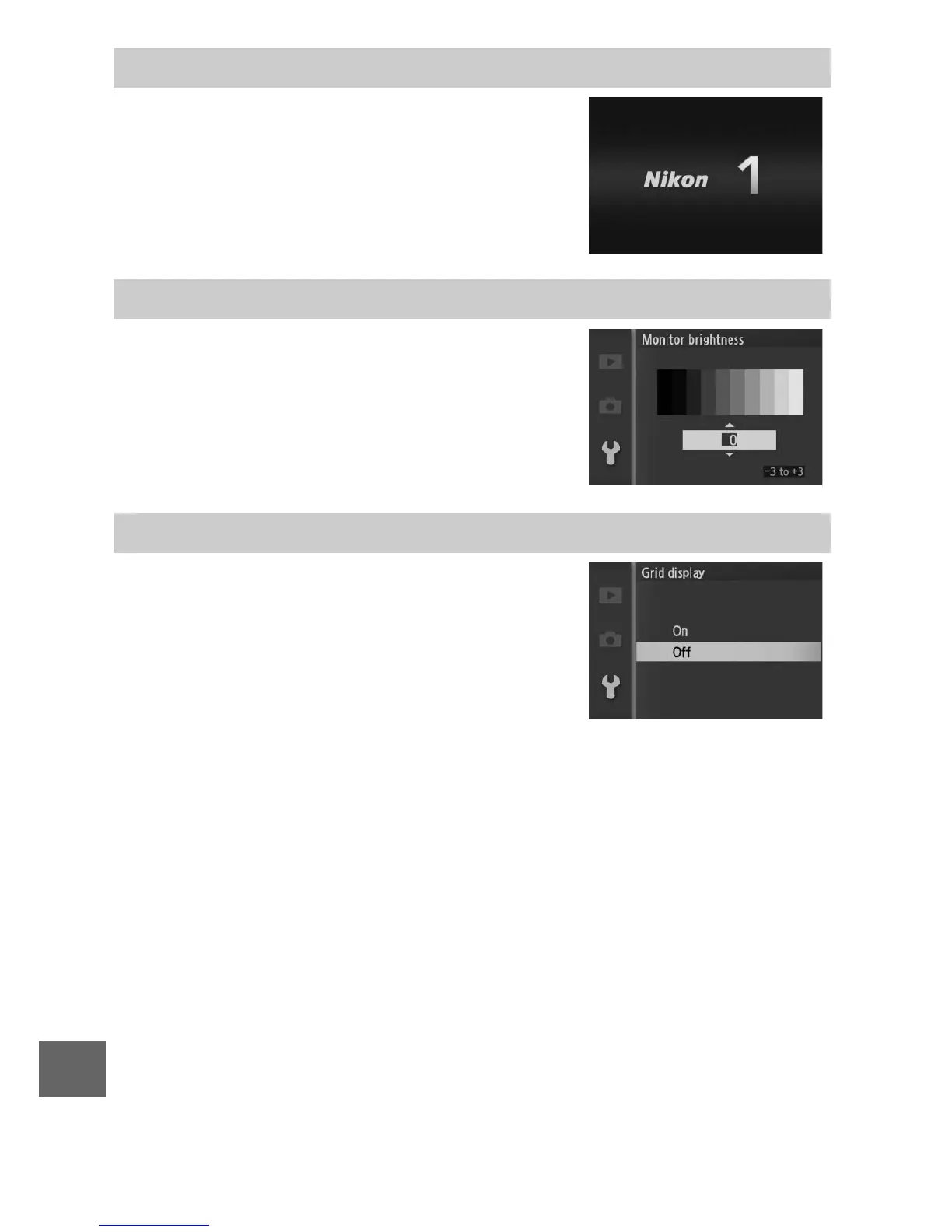
If On is selected, the message at right will
be displayed whenever the camera is
turned on.
Highlight Monitor brightness and press
2. Brightness can then be adjusted by
pressing 1 or 3; choose higher values
for increased brightness, lower values for
reduced brightness.
Select On to display a framing grid (0 5).
Welcome Screen
Monitor Brightness
Grid Display



 To Next Page