30
6
P, S, A, M
P, S, A, M mode lets you choose the exposure mode, which con-
trols how the camera sets shutter speed and aperture.
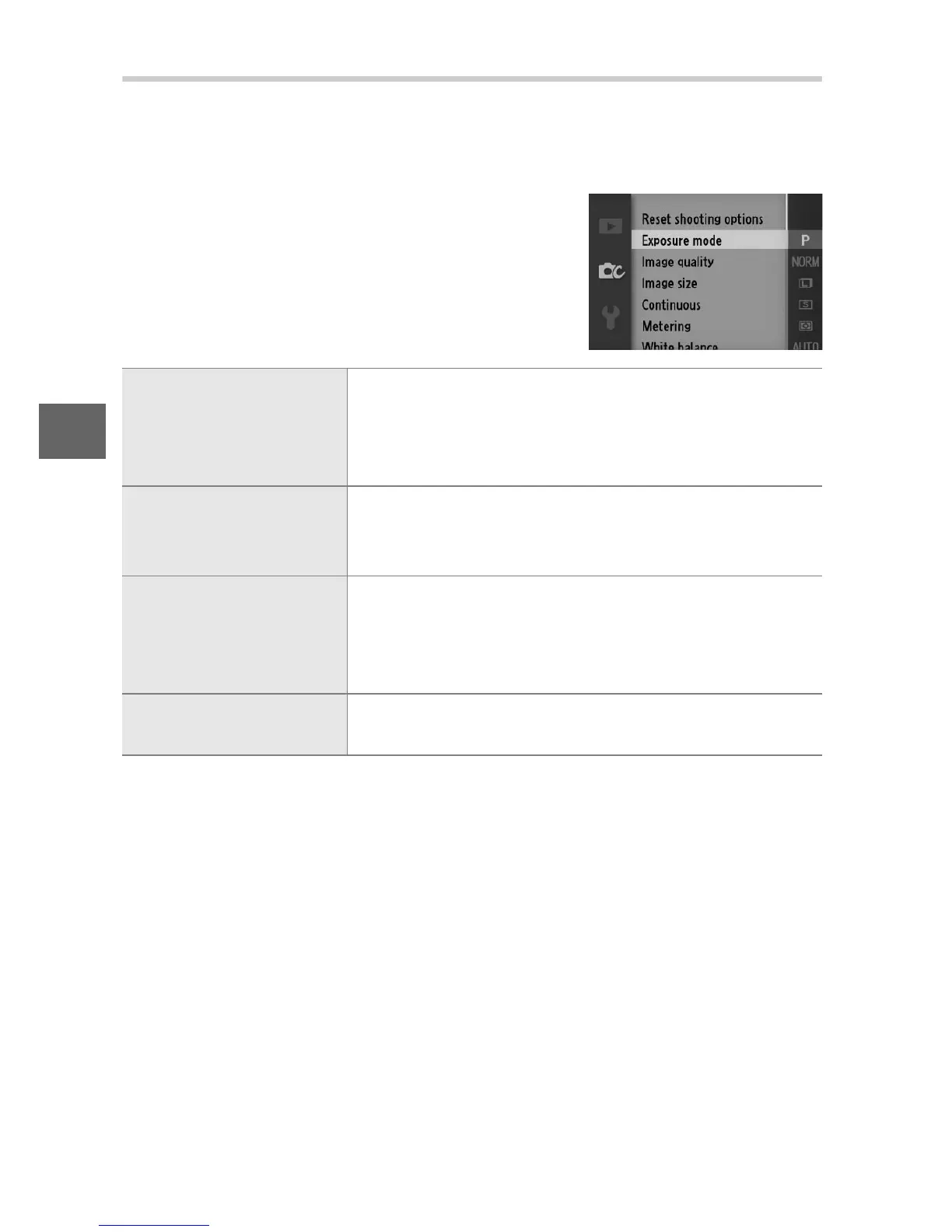
❚❚ Exposure Mode
To choose the exposure mode, press the
G button, highlight Exposure mode
(0 110) in the shooting menu (0 107),
and press 2 to display the options below,
then highlight an option and press J.
P Programmed auto
The camera sets shutter speed and aperture for
optimal exposure (0 112). Recommended for
snapshots and in other situations in which there
is little time to adjust camera settings.
S Shutter-priority auto
You choose the shutter speed; the camera
selects an aperture for best results (0 113). Use
to freeze or blur motion.
A Aperture-priority auto
You choose the aperture; the camera selects a
shutter speed for best results (0 114). Use to
blur the background or bring both foreground
and background into focus.
M Manual
You control both shutter speed and aperture
(0 115).



 To Next Page