200
n
2
Focus.
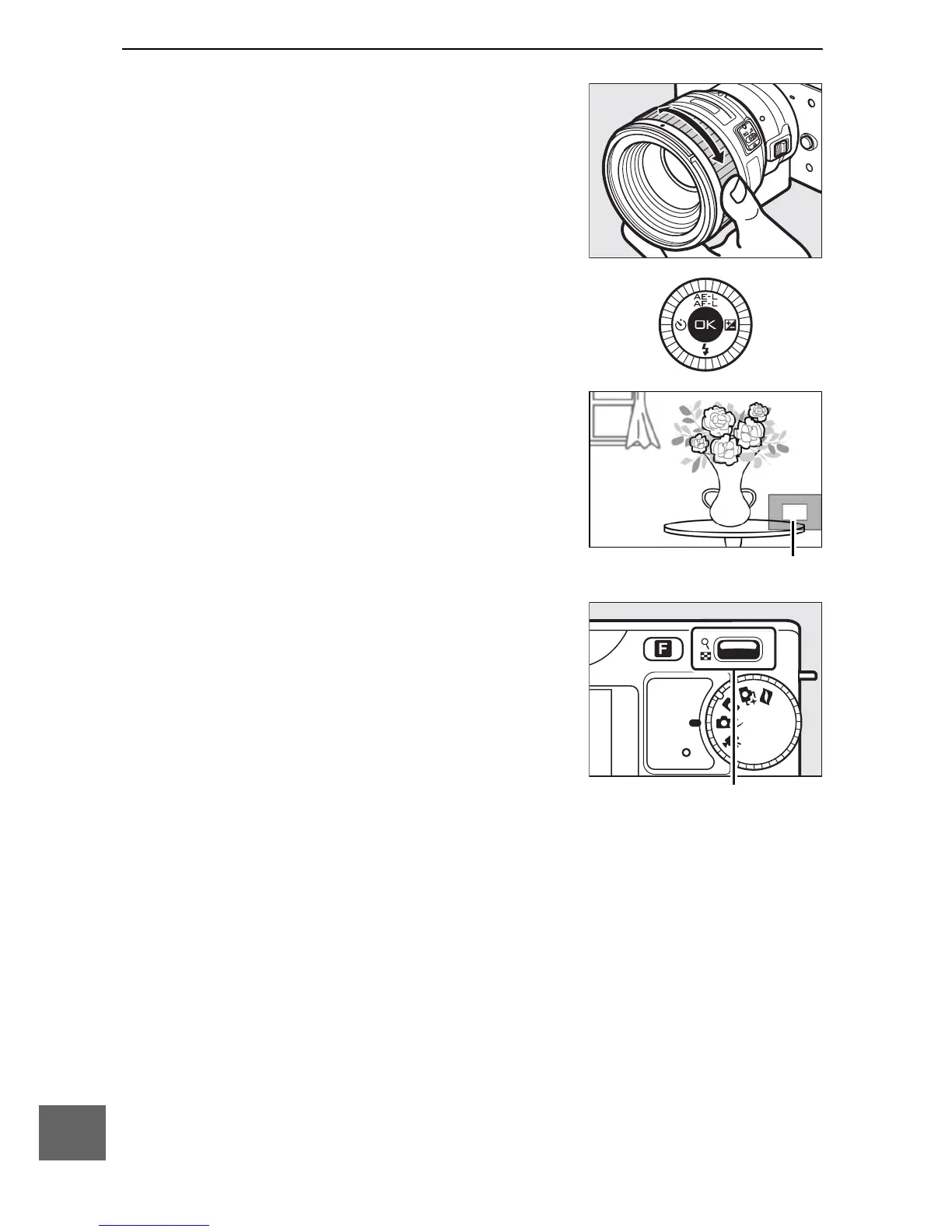
Rotate the lens focus ring until the
subject is in focus.
To zoom in on the display for more
precise focus, press J (note that this
feature is not available during movie
recording or in slow-motion movie
mode). A navigation window will
appear in a gray frame at the bottom
right of the display.
Navigation window
Press the W control up to zoom in to a
maximum of 10×, down to zoom out.
Use the multi selector to scroll to areas
of the frame not visible in the display.
Press J to exit zoom.
W control



 To Next Page