33
8
2
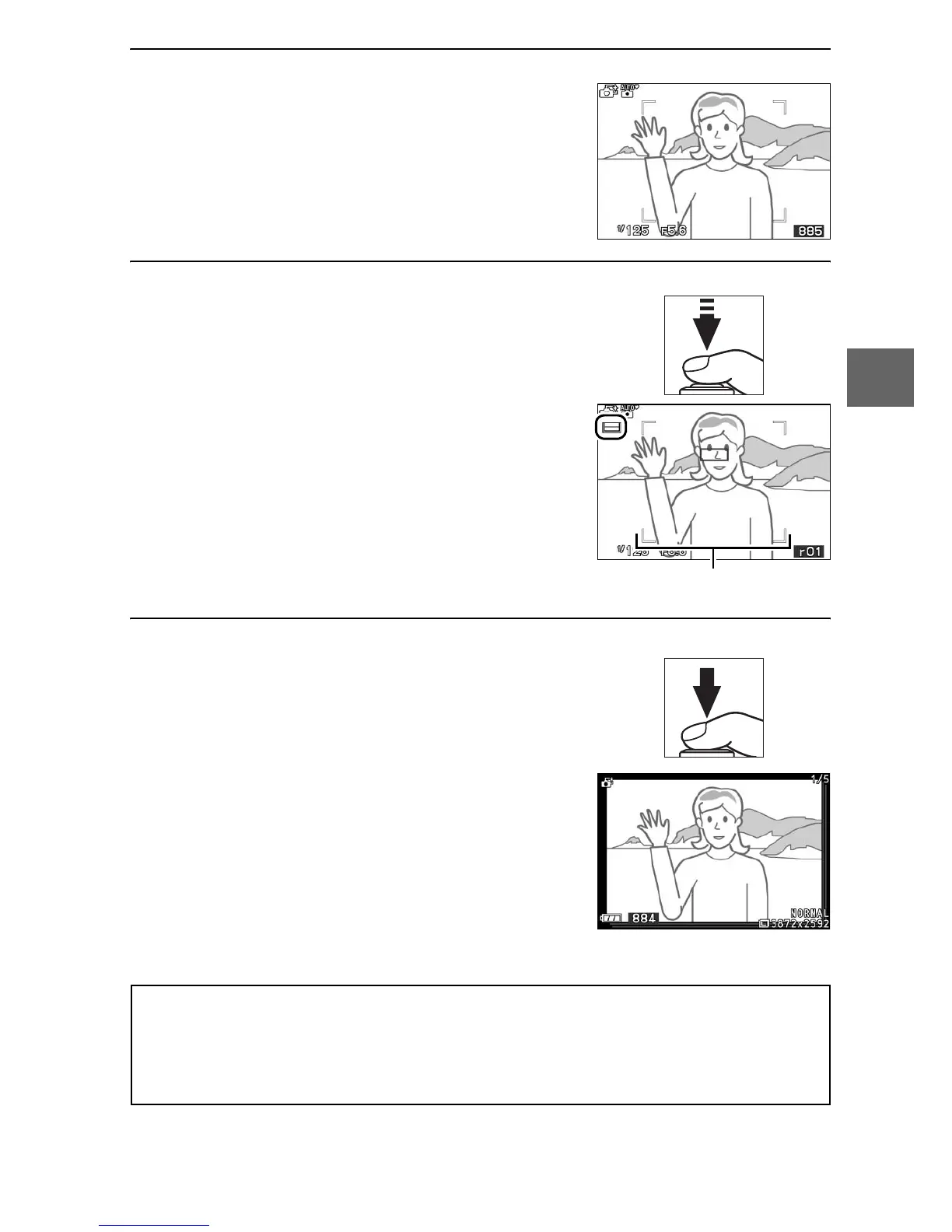
Frame the photograph.
3
Begin buffering photographs.
4
Shoot.
Smoothly press the shutter-release
button the rest of the way down. The
camera will compare shots recorded
to the buffer both before and after the
shutter-release button was pressed,
and select five to copy to the memory
card. Note that some time may be
required. The best picture is displayed
in the monitor for a few seconds when
recording is complete.
Compose the photograph with your
subject in the center of the frame.
Press the shutter-release button half-
way to focus (0 21). An icon will be
displayed as the camera begins
recording images to the memory
buffer. The camera continuously
adjusts focus to account for changes
in the distance to the subject in the AF
area brackets while the shutter-
release button is pressed halfway.
AF area brackets
A
Smart Photo Selector Mode
The camera automatically chooses a scene mode appropriate to the
subject. Movies can not be recorded, and pressing the movie-record
button has no effect. The flash can not be used.



 To Next Page