118
Recording Movies
Movie Recording and Playback
4 Press K or the k button.
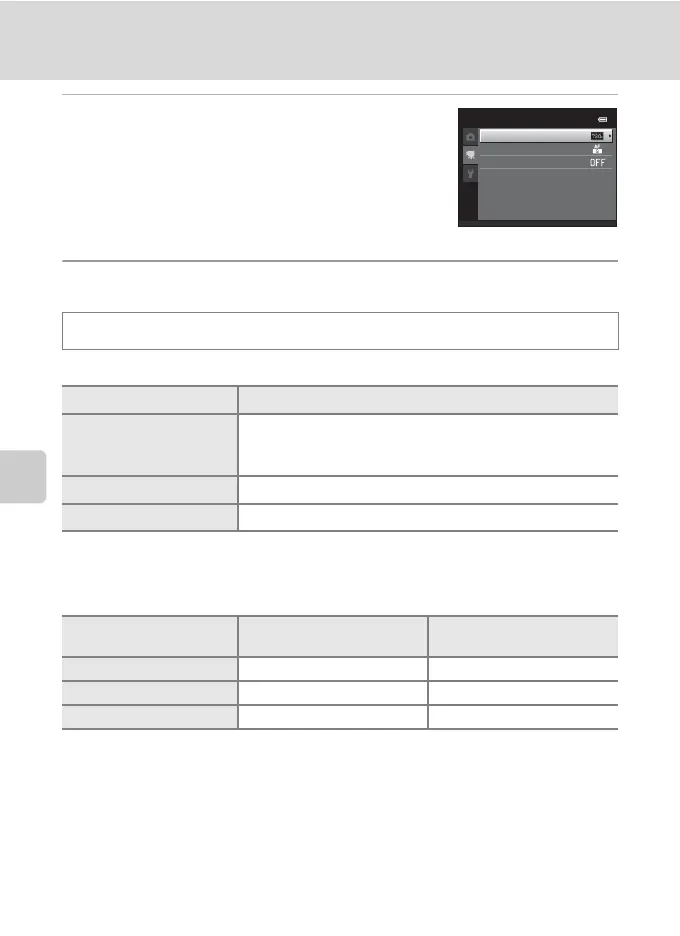
The movie menu items can be selected.
Use the multi selector to choose and apply settings
(A 9).
To exit the movie menu, press the d button or J to
select a different tab.
Movie Options
Select the desired movie option for recording movies.
* When recording in the internal memory, the default setting is y VGA (640×480).
• The frame rate is approximately 30 frames per second in any options.
C Movie Options and Maximum Movie Length
All figures are approximate. The maximum movie length may vary by make of memory card.
1
x HD 720p (1280×720) cannot be selected when recording in the internal memory.
2
The maximum file size for a single movie is 2 GB or the maximum movie length for a single movie
is 29 minutes, even when there is sufficient free space on the memory card for longer recording.
The maximum movie length that can be recorded for a single movie is displayed during
recording.
D More Information
See “Image/Sound File and Folder Names” (A 161) for more information.
In the shooting screen M d M D (Movie menu) (A 117) M Movie options
Option Description
x HD 720p (1280×720)
(default setting*)
Movies with an aspect ratio of 16:9 are recorded. This option is
suited to playback on a wide screen TV.
Image size: 1280 × 720 pixels
y VGA (640×480) Image size: 640 × 480 pixels
z QVGA (320×240) Image size: 320 × 240 pixels
Option
Internal memory
(approx. 45 MB)
Memory card (4 GB)
2
x HD 720p (1280×720) –
1
15 min
y VGA (640×480) 31 s 45 min
z QVGA (320×240) 1 min 49 s 2 h 45 min
Movie
Movie options
Autofocus mode
Wind noise reduction



 To Next Page
 Loading...










