24
Have More Fun
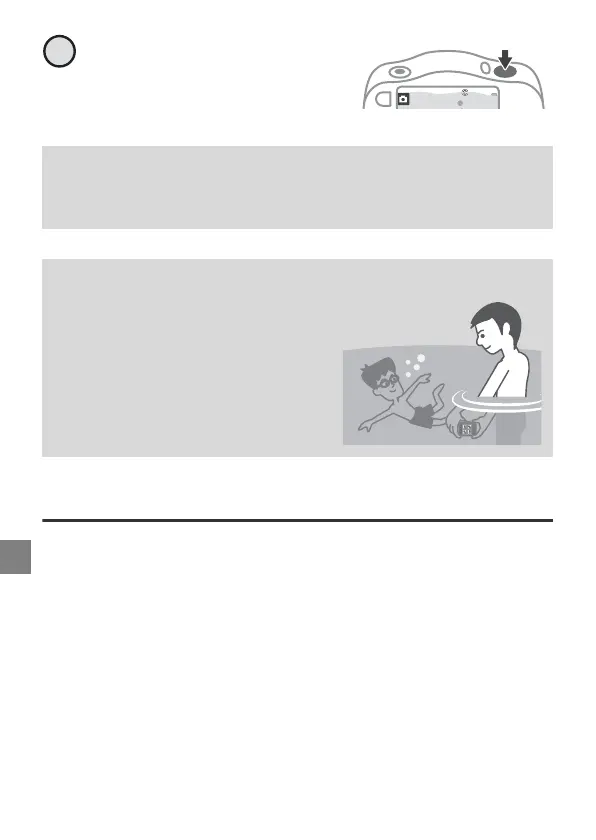
Press the shutter-release
button.
Other Ways to Have Fun
• E Add messages
Add voice messages to captured images.
• A Decorate
Add a frame around your images.
• u Change sounds
Set the shutter sound and button sound.
Cleaning the Camera After Using It Underwater
Read “Cleaning After Using the Camera Underwater” (page 41)
thoroughly.
Underwater Face Framing (g M g M J)
The camera searches for human faces
underwater and then automatically
captures images. You can take
pictures without submerging your
face by putting only the camera
underwater.
4



 To Next Page