17
A Shoot
Taking Pictures
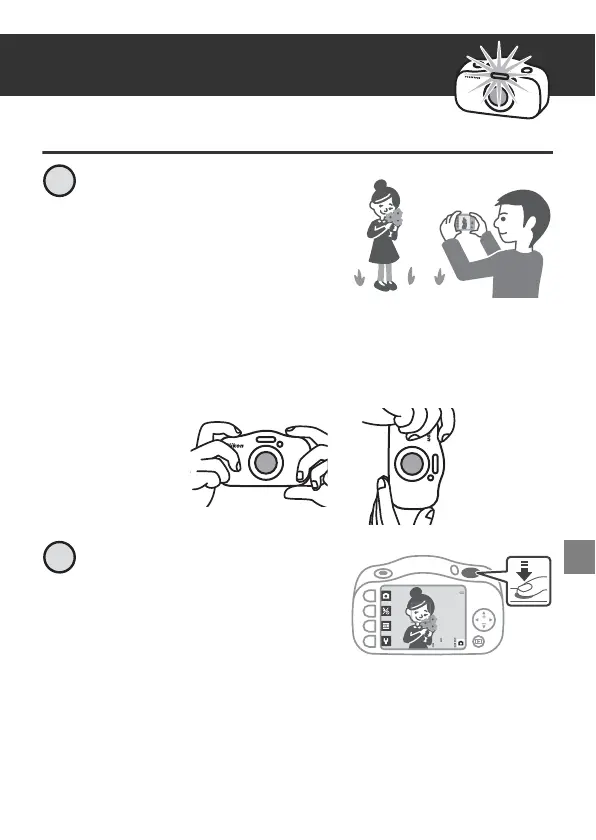
Hold the camera steady and
aim the camera so that you
can see your subject on the
screen.
• Guide one hand through the camera strap and hold the camera
steady with both hands.
• When taking pictures, be careful not to cover the flash or lens
with your fingers.
Press the shutter-release
button slightly (halfway).
• The camera focuses.
2100
25m 0s
2



 To Next Page