16
Get Ready
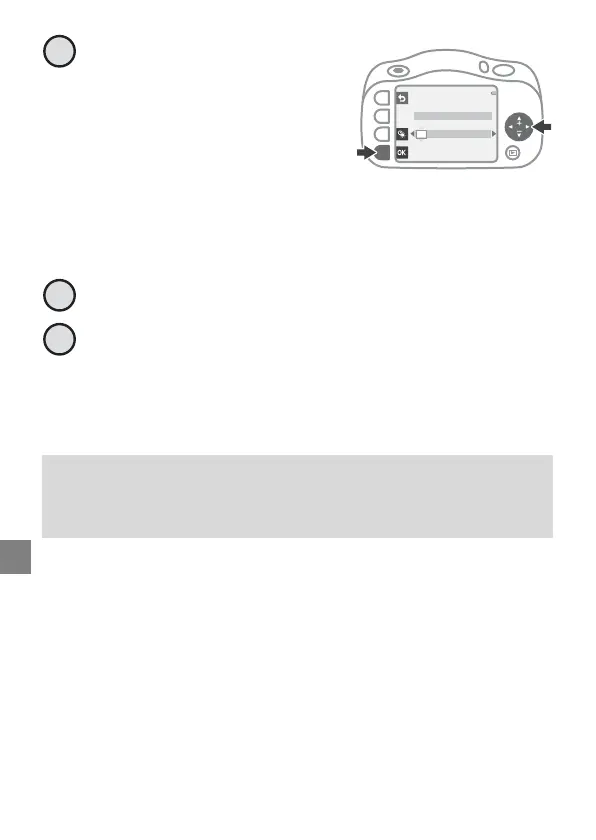
Set the date and time, and
press O.
• Use J or K to select a field and
then use H or I to set the
date and time.
• Select the minute field and
press O to confirm the
setting.
• Press m to display m on the screen and enable daylight saving
time. To disable daylight saving time, press m again.
When the confirmation dialog is displayed, press RYes.
Follow the on-screen instructions to complete the
setting.
• From here, follow the same procedure for “Setup from a
Smartphone or Tablet” from step 9 (page 14).
Changing the Language, Date, and Time Settings
You can change the Language and Date and time settings in the
l camera settings menu.
Date and time
M
D
Y
hm
01
/
01
/
2016
00
:
00
6
7
8



 To Next Page