160
Menu Guide—The Playback Menu
Revealing All Photographs: Deselect All
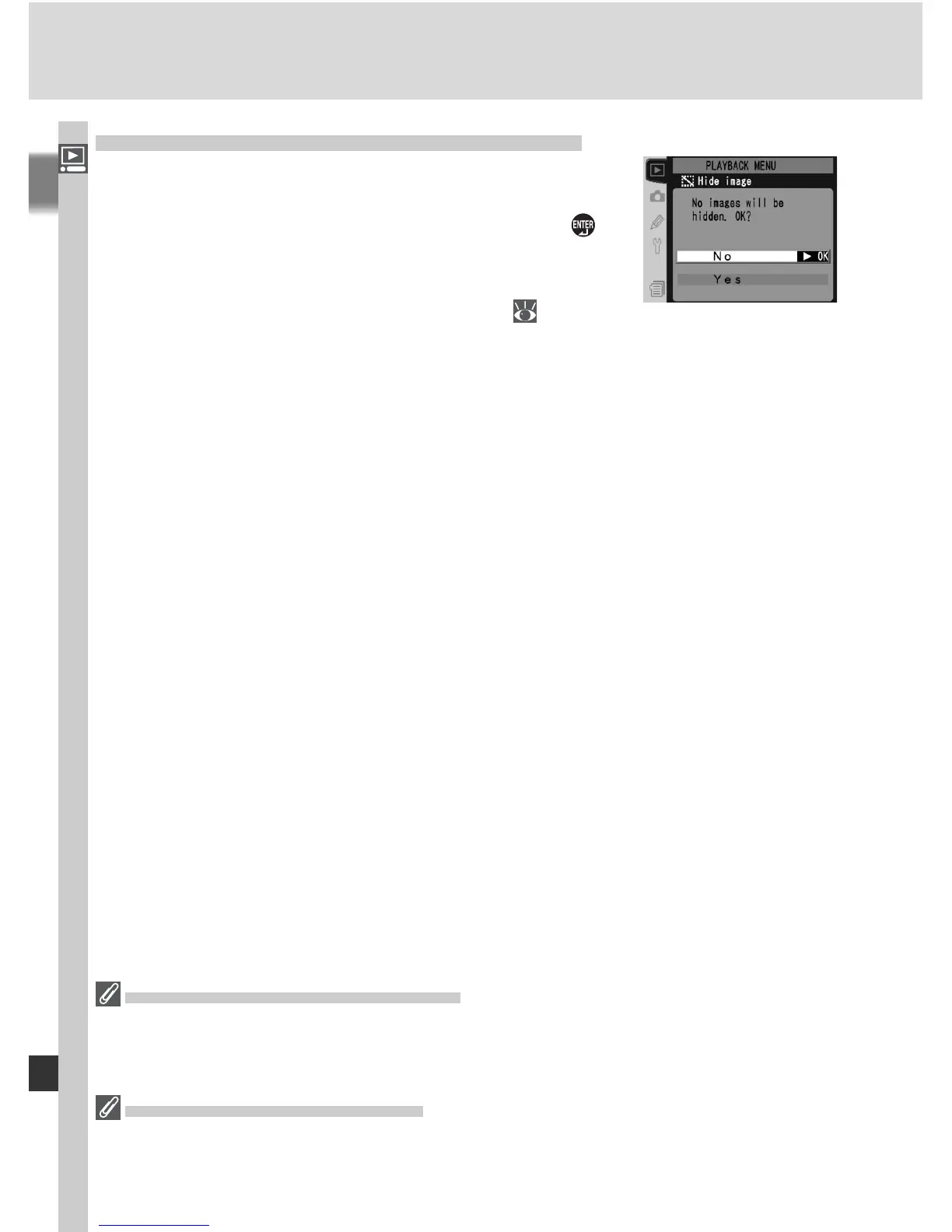
Choosing Deselect all? displays the confi rmation
dialog shown at right. Press the multi selector up
or down to highlight an option, then press the
button to make a selection.
• Yes: reveal all images in the folder or folders
selected in the Playback folder menu (
156).
The monitor will briefl y show the message
“Hide image done,” and then the playback
menu will be displayed.
• No: exit to the playback menu without changing the hidden status of im-
ages.
File Attributes for Hidden Images
Hidden images have “hidden” and “read-only” status when viewed on a Windows
computer. In the case of “NEF+JPEG” images, this marking applies to both the NEF
(RAW) and JPEG image.
Protected and Hidden Images
Removing protection from an image that is both hidden and protected will simultane-
ously reveal the image.



 To Next Page