175
Menu Guide—The Shooting Menu
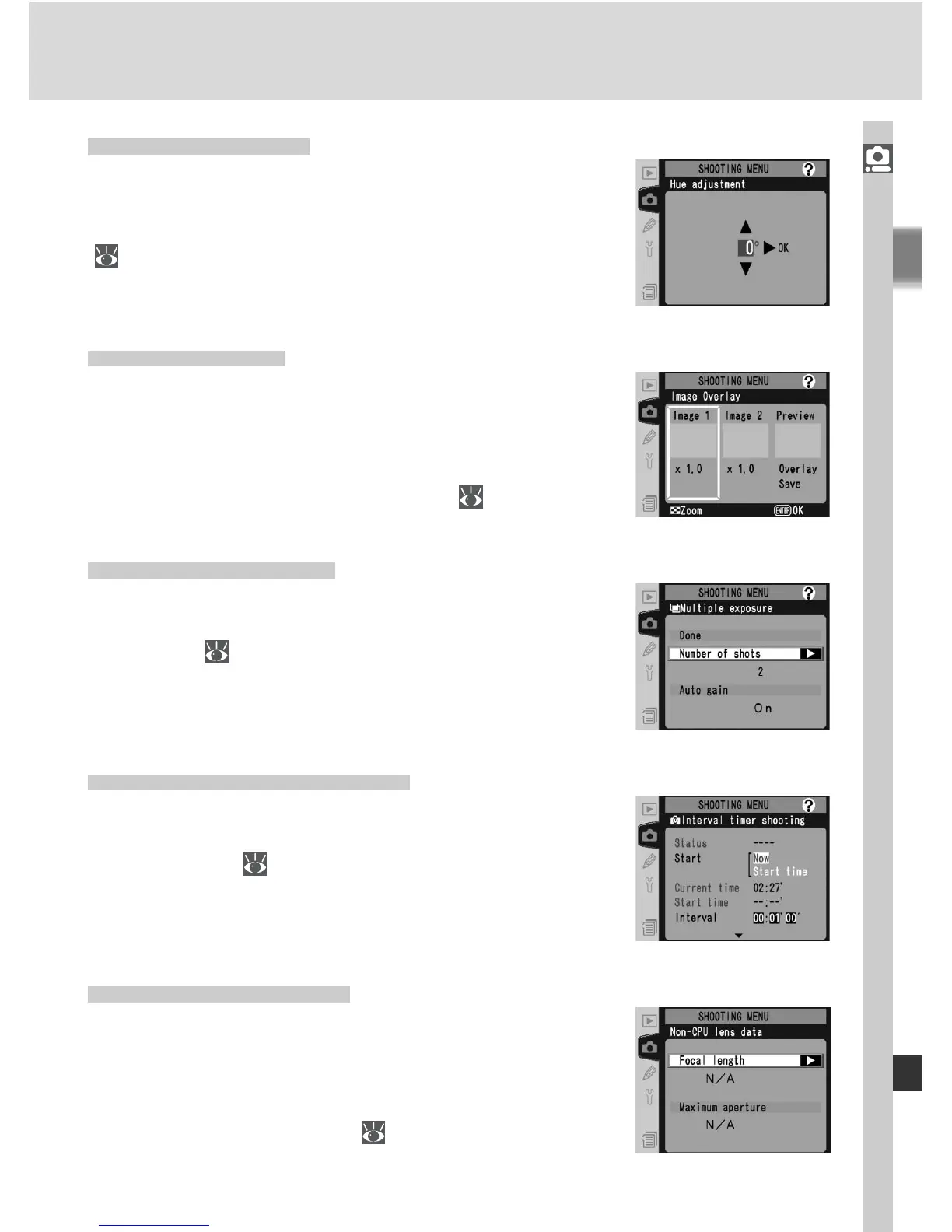
Hue Adjustment
Hue can be set to values between approximately
–9 ° and +9 ° in seven increments of roughly 3 °.
See “Taking Photographs: Image Adjustment”
( 71).
Interval Timer Shooting
Take photographs automatically at pre-selected
intervals. See “Taking Photographs: Interval Timer
Photography” ( 122).
Non-CPU Lens Data
Specifying the focal length and maximum aper-
ture allows such features as color matrix metering,
aperture value display, and balanced fi ll fl ash to be
used with non-CPU lenses. See “Taking Photo-
graphs: Non-CPU Lenses” ( 128).
Multiple Exposure
Create a single photograph from two to ten expo-
sures. See “Taking Photographs: Overlay / Multiple
Exposure” ( 119).
Image Overlay
Create a new image by superimposing two exist-
ing RAW photographs. The RAW photographs
must have been created using the D2X and be
on the same memory card. See “Taking Photo-
graphs: Overlay / Multiple Exposure” ( 117).



 To Next Page