180
Menu Guide—Custom Settings
Two - Button Reset
Custom Settings are not reset when a two-button reset is performed ( 133).
Custom Settings Bank
If settings in the current bank have been modifi ed from
default values, the rear control panel display will show
CUSTOM and the letter of the bank. An asterisk will be
displayed next to the altered settings in the second level
of the Custom Settings menu.
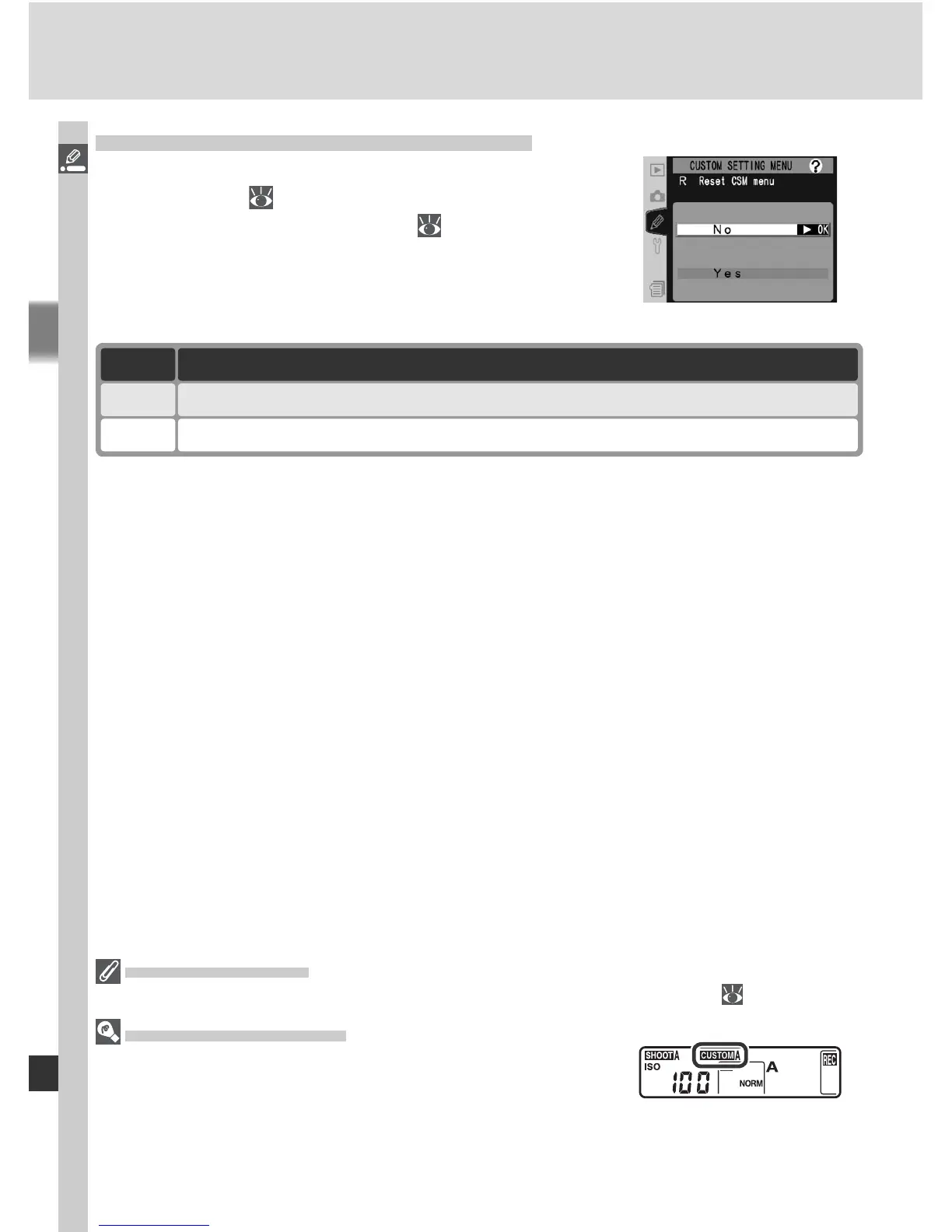
Custom Setting R: Reset CSM Menu
To restore default settings for the current Custom
Settings bank ( 179), highlight Menu reset in
the top level of the CSM menu ( 176) and press
the multi selector to the right. Press the multi
selector up or down to highlight an option, then
press to the right to make a selection.
Option Description
No Exit menu, leaving settings unchanged.
Yes Restore settings to default values.



 To Next Page