236
I
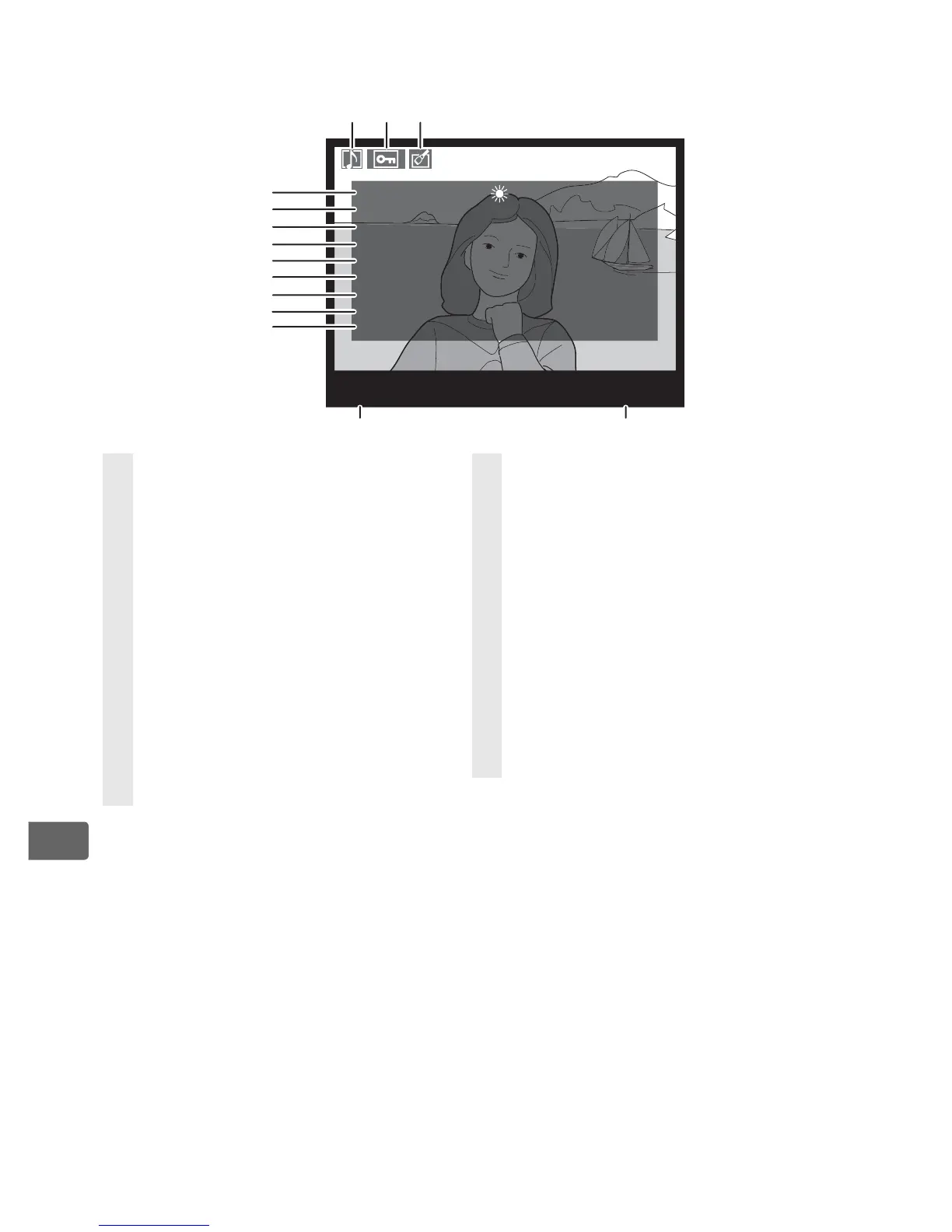
❚❚ Shooting Data Page 2
1
1 Displayed only if [Data] is selected for [Display mode] (pg. 282).
2 [Standard] and [Vivid] Picture Controls only.
3 [Neutral], [Monochrome], and custom Picture Controls.
4 Not displayed with monochrome Picture Controls.
5 Monochrome Picture Controls only.
6 Displayed in yellow with image area icon if [DX format (24 × 16)] (a) or
[5 : 4 (30 × 24)] (b) was selected for the [Image area] option (pg. 60) in the
shooting menu.
100
-
1
N
I
KO
N
D
3
W
HITE B
A
L
.
CO
L
O
R SP
AC
E
PI
C
TURE
C
N
TRL
QUICK ADJUST
S
H
A
RP
N
ESS
CO
N
TR
A
ST
BRI
G
H
T
N
ESS
S
A
TUR
A
TI
O
N
H
U
E
:
A6,
M
1
:
A
dobe RGB
: ST
A
N
D
A
R
D
:
:
3
:
0
: 0
:
0
: 0
4
5
6
7
8
9
10
11
12
13 14
12
3
1 Voice memo icon ..................... 248
2 Protect status ............................ 244
3 Retouch indicator .................... 360
4 White balance ........................... 144
Color temperature................... 151
White balance fine-tuning ... 147
Preset manual .......................... 152
5 Color space................................. 187
6 Picture Control.......................... 166
7 Quick adjust
2
............................ 171
Original Picture Control
3
...... 177
8 Sharpening .................................171
9 Contrast .......................................171
10 Brightness ...................................171
11 Saturation
4
.................................171
Filter effects
5
..............................171
12 Hue
4
..............................................171
Toning
5
........................................171
13 Camera name
14 Folder number–frame
number
6
......................................293



 To Next Page