41
x
6 Take the picture.
Press the shutter-release button the rest of the way down
to shoot.
The monitor will turn off.
When shooting is
complete, the photograph will be displayed in the monitor
for 4 s or until the shutter-release button is pressed
halfway.
The camera will then return to live view mode.
7 Exit live view mode.
Rotate the live view switch to exit live view mode.
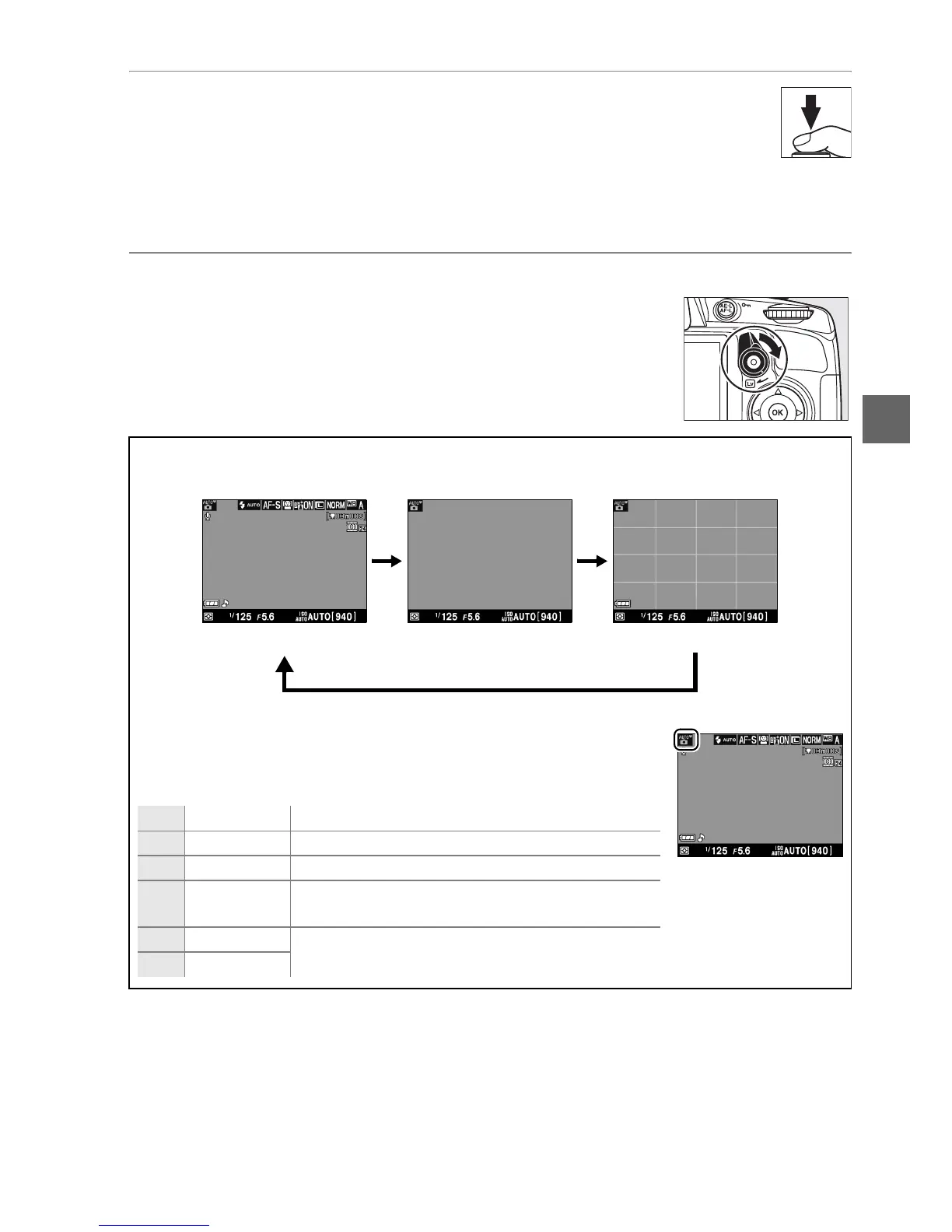
A Live View Display Options
Press the R button to cycle through display options as shown below.
Show indicators Hide indicators Framing grid
A Automatic Scene Selection (Scene Auto Selector)
If live view is selected in i or j mode, the camera will automatically
analyze the subject and select the appropriate shooting mode when
autofocus is enabled. The selected mode is shown in the monitor.
t
Portrait Human portrait subjects
u
Landscape Landscapes and cityscapes
v
Close up Subjects close to the camera
w
Night portrait
Portrait subjects framed against a dark
background
r
Auto
Subjects suited to i or j mode or that do not
fall into the categories listed above
s
Auto (flash off)



 To Next Page