45
y
y
Recording and Viewing Movies
Movies can be recorded in live view mode.
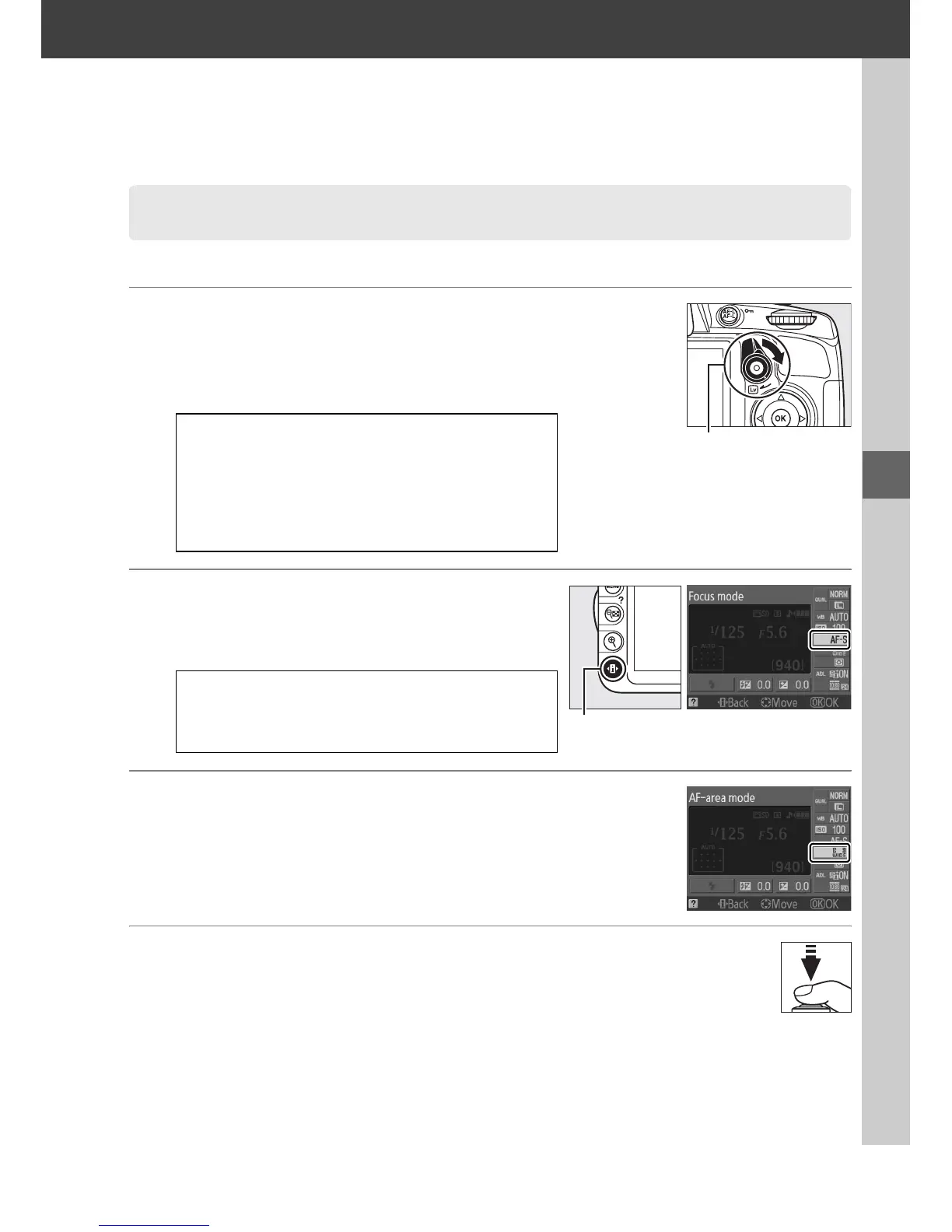
1 Rotate the live view switch.
The mirror is raised and the view through the
lens is displayed in the monitor instead of
the viewfinder.
2 Choose a focus mode.
Press the P button and select a focus mode
as described in Step 2 of “Live View“ (0 38).
3 Choose an AF-area mode.
See Step 3 on page 38 for more information.
4 Focus.
Frame the opening shot and focus as
described in Steps 4 and 5 of “Live View”
(0 39–40).
Note that the number of
subjects that can be detected in face-priority
AF drops during movie recording.
Recording Movies
D The 0 Icon
A 0 icon (0 37) indicates that movies can not
be recorded.
A Before Recording
Set aperture before recording in mode A or M.
A Camera Noise
The camera may record lens noise during
autofocus or vibration reduction.
Live view switch
P button



 To Next Page