131
i
C The Shooting Menu: Shooting Options
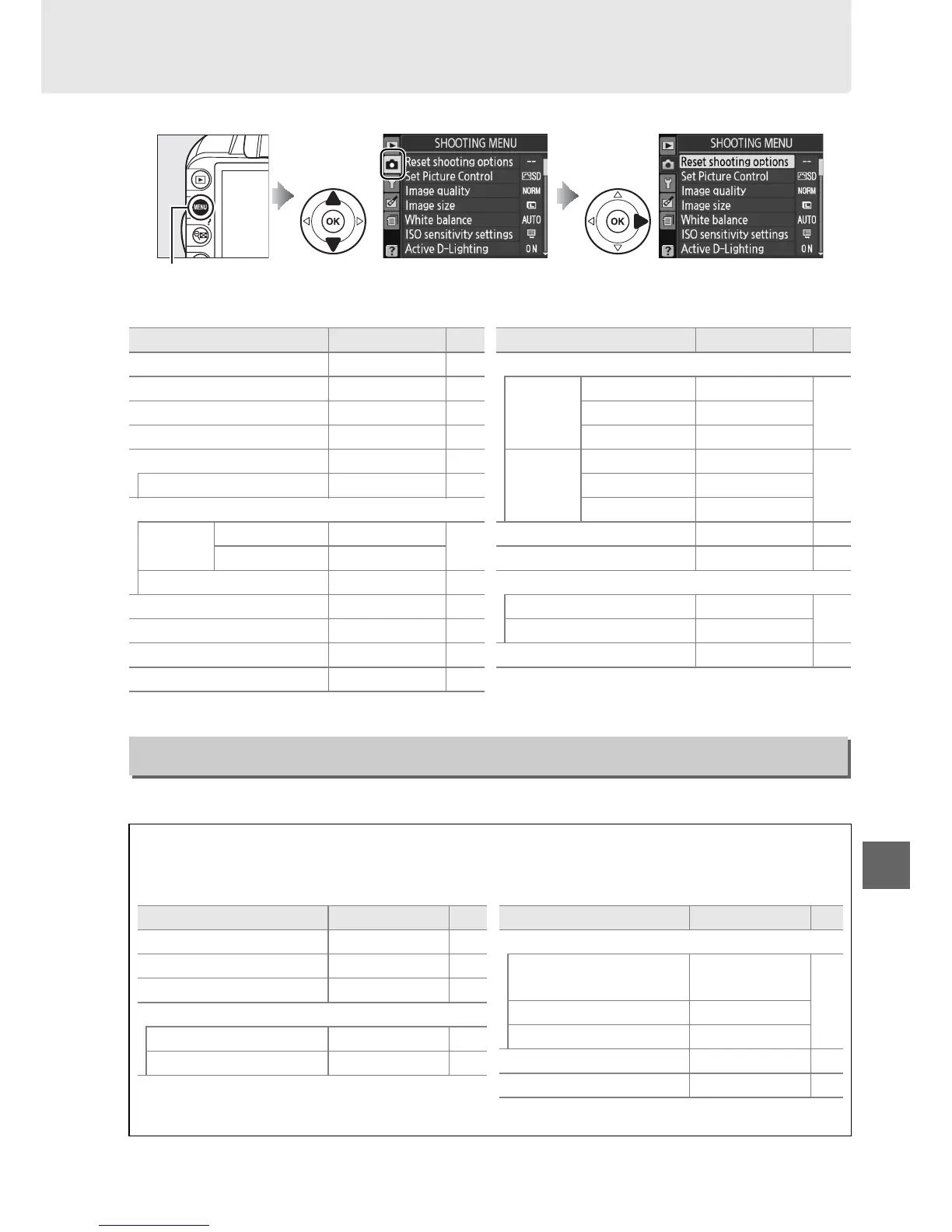
To display the shooting menu, press G and select the C (shooting menu) tab.
The shooting menu contains the following options:
Select Ye s to reset shooting menu settings.
G button
Option Default 0
Reset shooting options — 131
Set Picture Control Standard 94
Image quality JPEG normal 64
Image size Large 66
White balance Auto 87
Fluorescent Cool-white fl. 88
ISO sensitivity settings
ISO
sensitivity
P, S, A, M 100
71
Other modes Auto
Auto ISO sensitivity Off 132
Active D-Lighting On 85
Auto distortion control Off 133
Color space sRGB 133
Noise reduction On 134
AF-area mode
Viewfinder
n Single-point AF
58m Dynamic-area AF
Other modes Auto-area AF
Live view/
movie
k, l, p, o Face-priority AF
38m, P, S, A, M Wide-area AF
n Normal-area AF
AF-assist On 134
Metering Matrix 79
Movie settings
Quality 1920×1080; 24 fps
47
Sound On
Built-in flash TTL 135
Option Default 0
Reset Shooting Options
G button ➜ C shooting menu
A Reset Shooting Options
Selecting Ye s for Reset shooting options also restores Picture Control settings to their
default values (0 95) and resets the following:
Option Default 0
Focus point
*
Center 60
Flexible program Off 74
AE-L/AF-L button hold Off 146
Focus mode
Viewfinder Auto-servo AF 55
Live view/movie Single-servo AF 38
* Not displayed if e (Auto-area AF) is
selected for AF-area mode > Viewfinder.
Flash mode
i, k, p, n
Auto front-curtain
sync
68
o Auto slow sync
P, S, A, M Front curtain sync
Exposure compensation Off 81
Flash compensation Off 83
Option Default 0



 To Next Page