67
z
Using the Built-in Flash
The camera supports a variety of flash modes for photographing poorly lit or backlit
subjects.
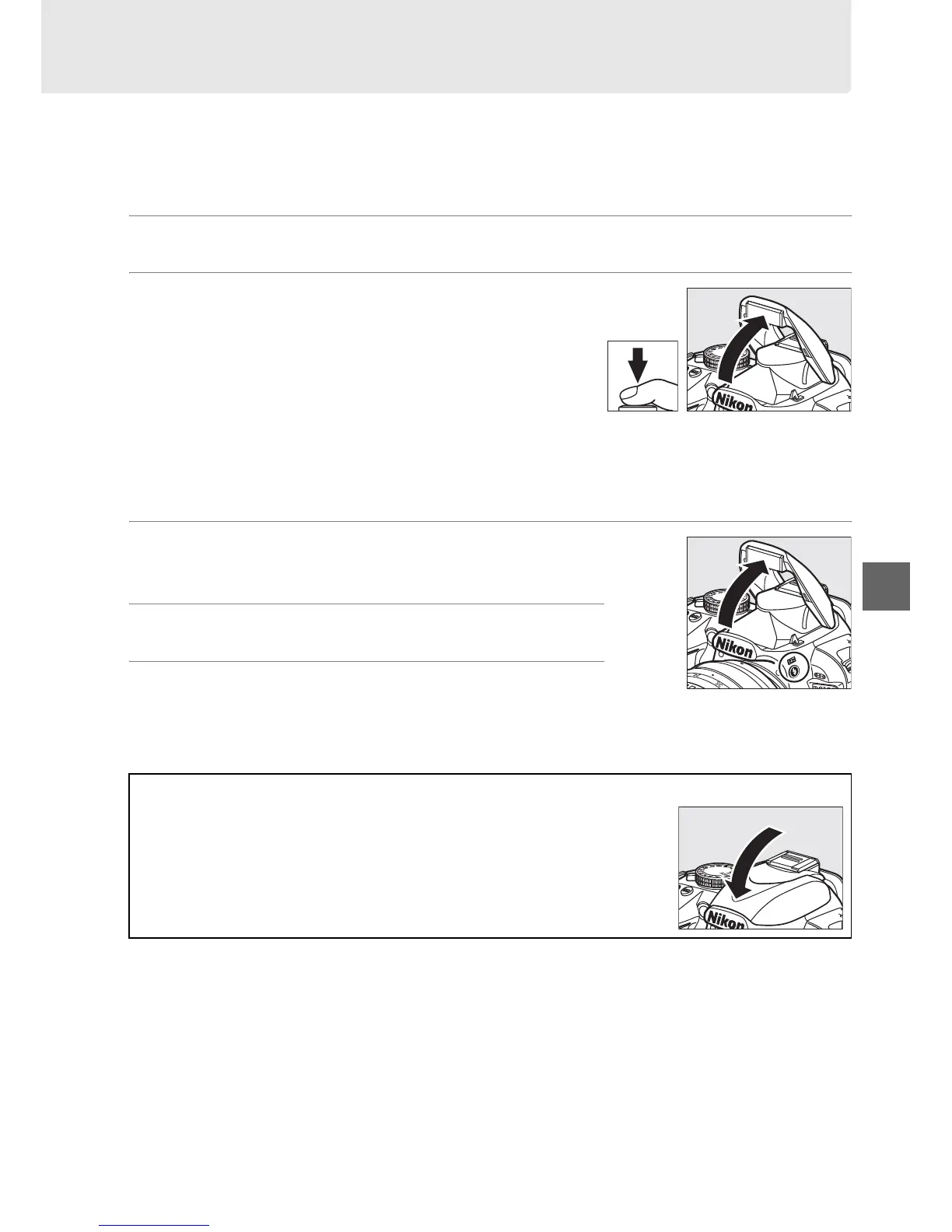
❚❚ Using the Built-in Flash: i, k, p, n, and o Modes
1 Choose a flash mode (0 68).
2 Take pictures.
The flash will pop up as required when the
shutter-release button is pressed halfway, and
fire when a photograph is taken.
If the flash does
not pop up automatically,
DO NOT attempt to raise it
by hand.
Failure to observe this precaution could
damage the flash.
❚❚ Using the Built-in Flash: P, S, A, and M Modes
1 Raise the flash.
Press the M button to raise the flash.
2 Choose a flash mode (0 68).
3 Take pictures.
The flash will fire whenever a picture is taken.
A Lowering the Built-in Flash
To save power when the flash is not in use, press it gently downward
until the latch clicks into place.
M button



 To Next Page