118
Q
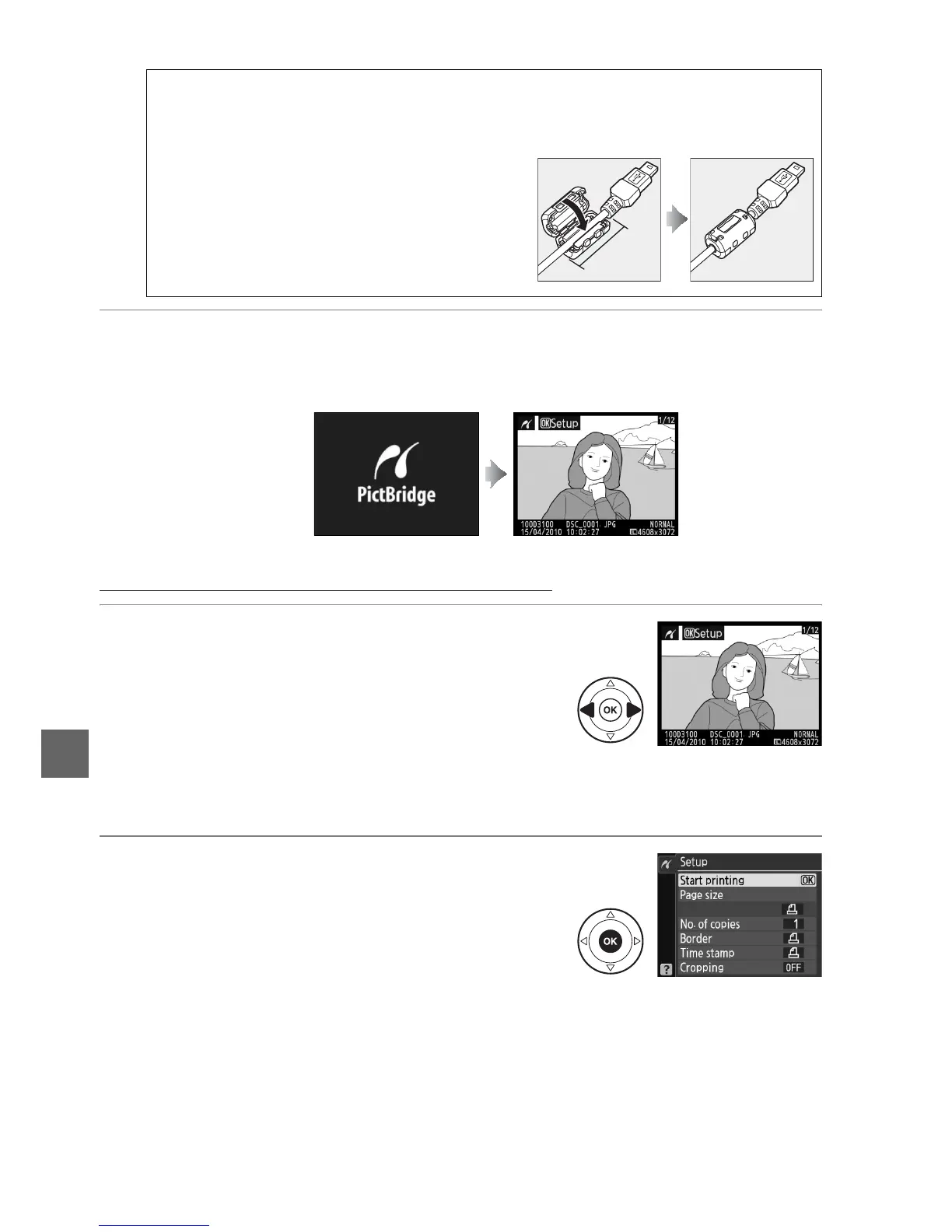
3 Turn the camera on.
A welcome screen will be displayed in the monitor, followed by a PictBridge
playback display.
Printing Pictures One at a Time
1 Select a picture.
Press 4 or 2 to view additional pictures, or press
1 or 3 to view photo information (0 100).
Press
the X button to zoom in on the current frame
(0 107; press K to exit zoom).
To view six
pictures at a time, press the W button.
Use the
multi selector to highlight pictures, or press X to
display the highlighted picture full frame.
2 Display printing options.
Press J to display PictBridge printing options.
D USB Hubs
Connect the camera directly to the printer; do not connect the cable via a USB hub.
A Third-Party USB Cables
When using a third-party USB cable to connect
the camera to a printer, use a cable about 1.5 m
(5 ft.) long with a mini type B connector and
attach the smaller of the supplied ferrite cores
(the core for USB cables) to the USB cable as
shown.
qw
5 cm/
2 in. or less



 To Next Page