65
z
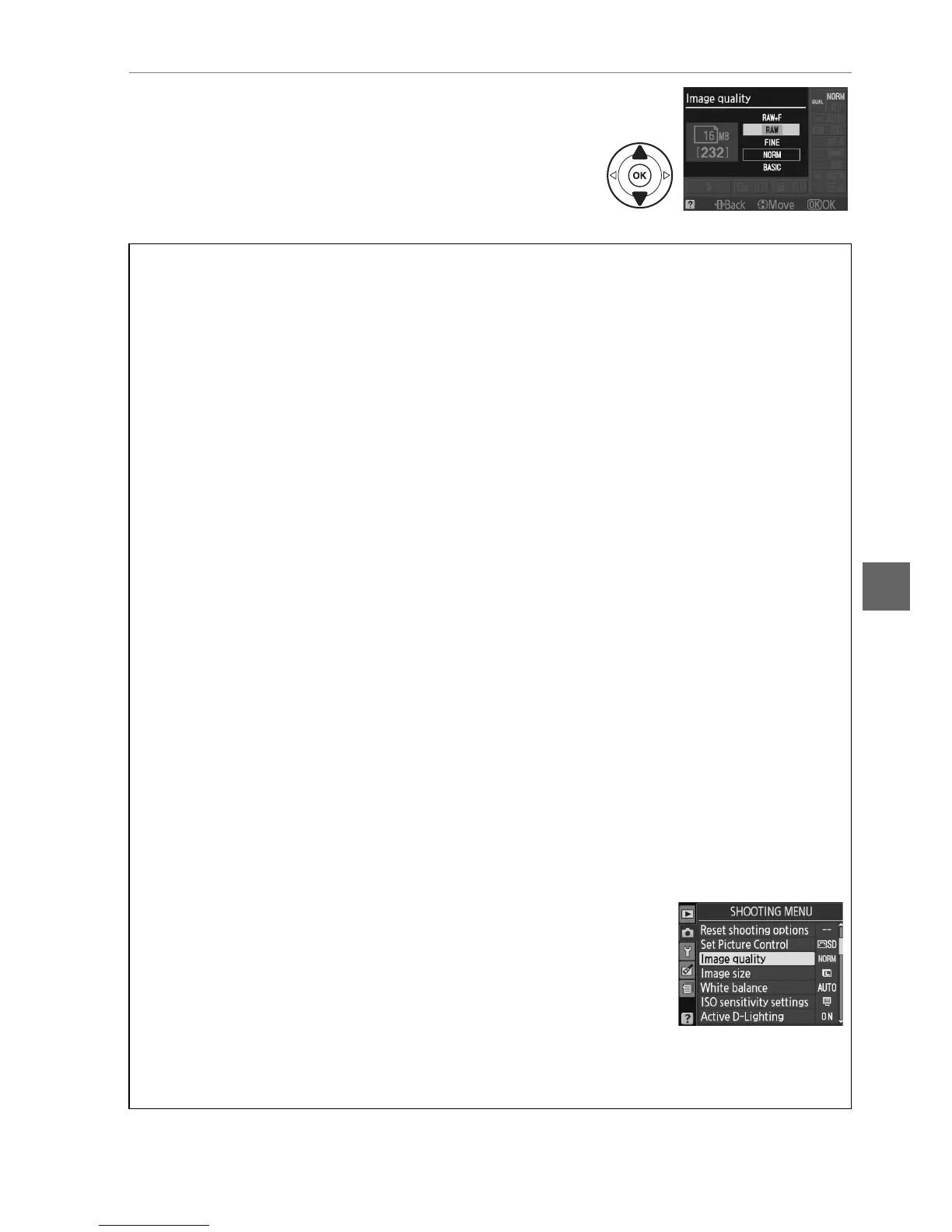
3 Choose a file type.
Highlight an option and press J.
To return to
shooting mode, press the shutter-release button
halfway.
A NEF (RAW) Images
Note that the option selected for image size does not affect the size of NEF (RAW) or
NEF (RAW)+JPEG images.
Date imprint (0 147) is not available at image quality settings of
NEF (RAW) or NEF (RAW)+JPEG.
NEF (RAW) images can be viewed on the camera or using software such as Capture NX 2
(available separately; 0 177) or ViewNX 2 (available on the supplied ViewNX 2 CD).
JPEG
copies of NEF (RAW) images can be created using the NEF (RAW) processing option in the
retouch menu (0 160).
A NEF (RAW) + JPEG Fine
When photographs taken at NEF (RAW) + JPEG fine are viewed on the camera, only the
JPEG image will be displayed.
When photographs taken at these settings are deleted, both
NEF and JPEG images will be deleted.
A File Names
Photographs are stored as image files with names of the form “DSC_nnnn.xxx,” where nnnn
is a four-digit number between 0001 and 9999 assigned automatically in ascending order by
the camera, and xxx is one of the following three letter extensions: “NEF” for NEF images,
“JPG” for JPEG images, or “MOV” for movies.
The NEF and JPEG files recorded at a setting of
NEF (RAW) + JPEG fine have the same file names but different extensions.
Small copies
created with the small picture option in the retouch menu have file names beginning with
“SSC_” and ending with the extension “.JPG” (e.g., “SSC_0001.JPG”); copies created with the
movie edit options (0 50) have file names beginning with “DSC_” and ending with the
extension “.MOV” (trimmed copies, e.g., “DSC_0001.MOV”) or “.JPG” (JPEG stills); copies
created with the other options in the retouch menu have file names beginning with “CSC”
(e.g., “CSC_0001. JPG”).
Images recorded with the Color space option in the shooting menu
set to Adobe RGB (0 133) have names that begin with an underscore (e.g.,
“_DSC0001.JPG”).
A The Shooting Menu
Image quality can also be adjusted using the Image quality option
in the shooting menu (0 131).
A The Fn Button
Image quality and size can also be adjusted by pressing the Fn button and rotating the
command dial (0 146).



 To Next Page