86
Setup Playback Options: The Playback Menu
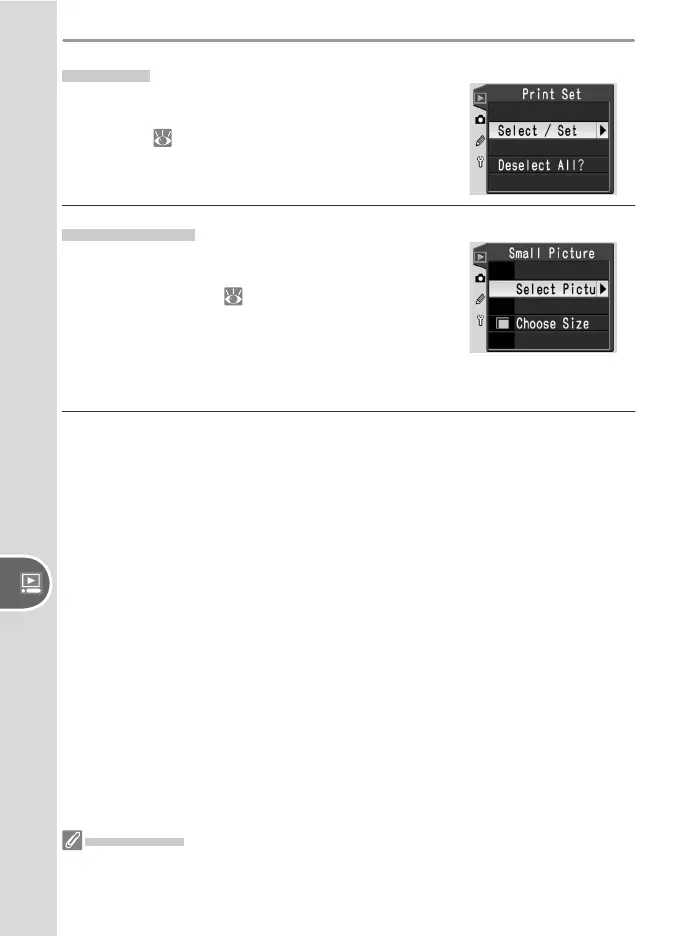
Print Set
Choose Select/Set to select photographs for
printing on a PictBridge printer or DPOF-compat-
ible device ( 128). Choose Deselect All to re-
move all photos from the current print order.
Small Picture
Create small JPEG copies of selected pictures for
e-mail or the web. Choose Select Pictures to
select the pictures ( 83) and select Choose
Size to choose a size from 640 × 480, 320 × 240,
160 × 120. A 640 × 480 pixel copy is about one-
twentieth the size of a Large (3,008 × 2,000)
photo.
Small Picture
During playback, small copies are indicated by a gray border. Copies can only be
created if suffi cient memory is available. Small copies may not display or transfer
correctly when viewed on other models of Nikon camera.



 To Next Page