108
J
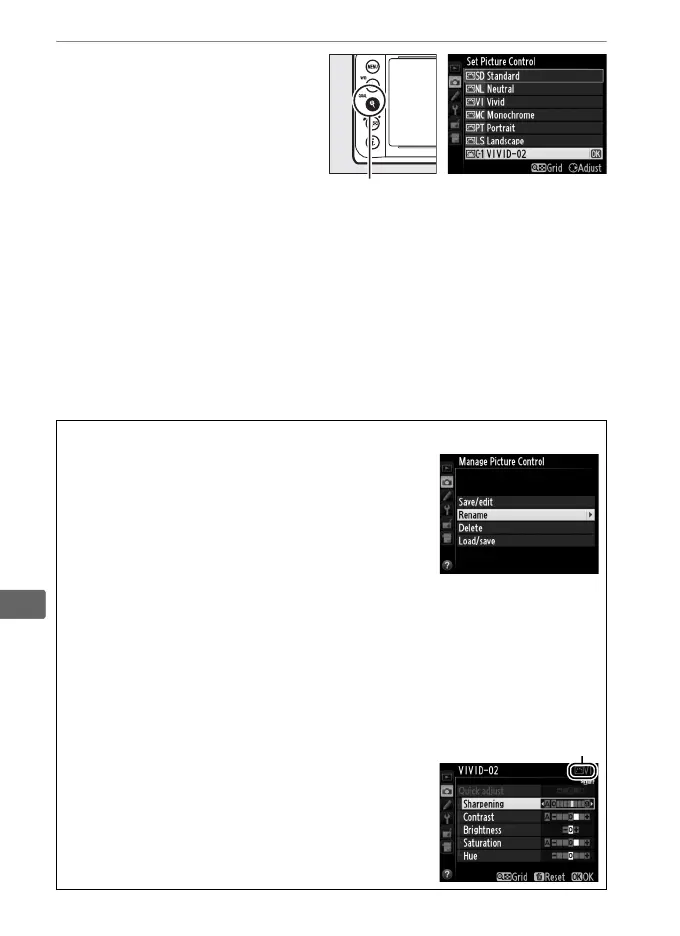
7 Press X (T).
Press the X (T) button
to save changes and exit.
The new Picture Control
will appear in the Picture
Control list.
A Manage Picture Control > Rename
Custom Picture Controls can be renamed at any
time using the Rename option in the Manage
Picture Control menu.
A Manage Picture Control > Delete
The Delete option in the Manage Picture Control menu can be used to
delete selected custom Picture Controls when they are no longer
needed.
A The Original Picture Control Icon
The original preset Picture Control on which the
custom Picture Control is based is indicated by
an icon in the top right corner of the edit display.
Original Picture
Control icon
X (T) button



 To Next Page