267
U
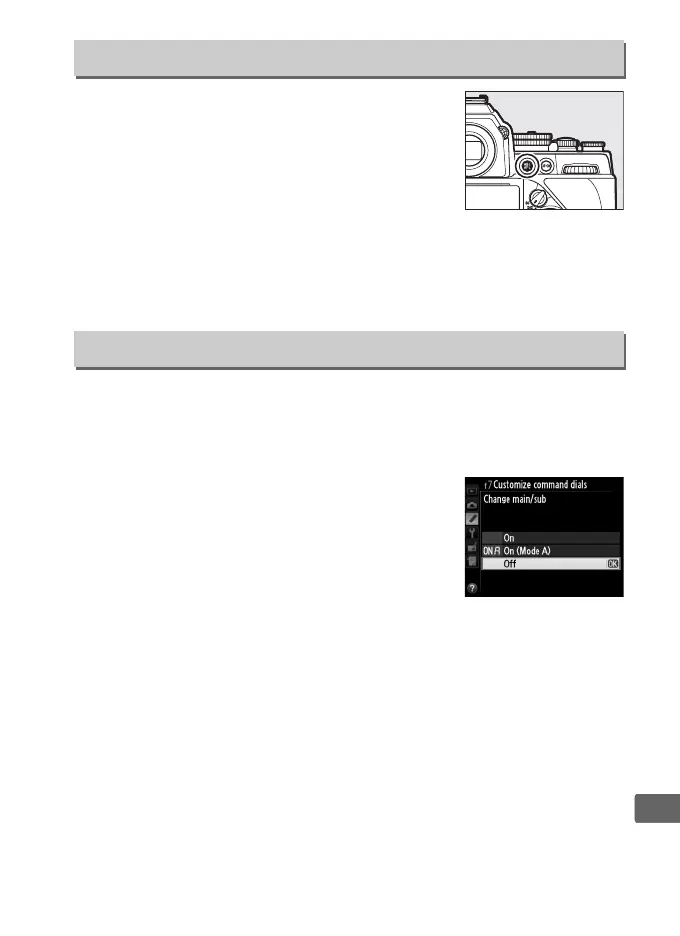
Choose the role played by the A AE-L/AF-L
button, either alone (Press) or in combination
with the command dials (Press + command
dials). The options available are the same as
for Assign Fn button (0 263), except that
HDR (high dynamic range) and Multiple
exposure are not available for Press + command dials. The
default options for Press and Press + command dials are AE/AF
lock and None, respectively.
This option controls the operation of the main and sub-command
dials.
• Reverse rotation: Reverse the direction of rotation of the command
dials.
• Change main/sub: If Off is selected, the main
command dial controls shutter speed and
the sub-command dial controls aperture. If
On is selected, the main command dial will
control aperture and the sub-command dial
shutter speed. If On (Mode A) is selected,
the main command dial will be used to set aperture in exposure
mode A only.
f6: Assign AE-L/AF-L Button
G button ➜ A Custom Settings menu
f7: Customize Command Dials
G button ➜ A Custom Settings menu



 To Next Page