213
Q
View Pictures
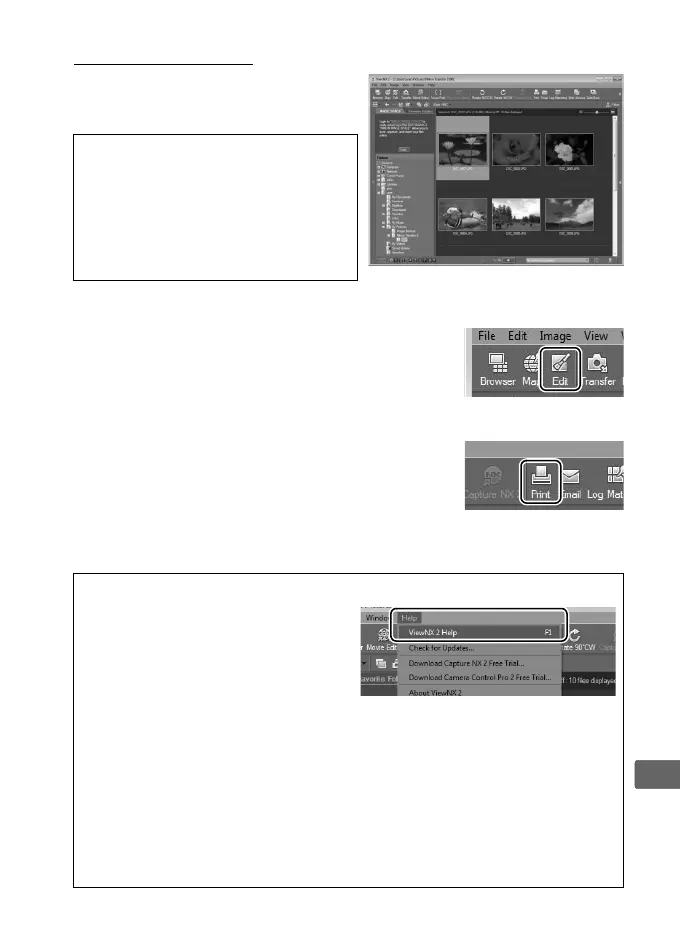
Pictures are displayed in ViewNX 2
when transfer is complete.
❚❚ Retouching Photographs
To crop pictures and perform such tasks as
adjusting sharpness and tone levels, click the
Edit button in the ViewNX 2 toolbar.
❚❚ Printing Pictures
Click the Print button in the ViewNX 2
toolbar.
A dialog will be displayed, allowing
you to print pictures on a printer connected
to the computer.
A Starting ViewNX 2 Manually
• Windows: Double-click the
ViewNX 2 shortcut on the
desktop.
• Mac OS: Click the ViewNX 2 icon
in the Dock.
A For More Information
Consult online help for more
information on using ViewNX 2.
A Connecting Cables
Be sure the camera is off when connecting or disconnecting interface
cables.
Do not use force or attempt to insert the connectors at an angle.
Close the connector cover when the connector is not in use.
D During Transfer
Do not turn the camera off or disconnect the USB cable while transfer is
in progress.



 To Next Page