224
U
U
Menu Guide
The default settings for the options in the camera menus are listed
below.
For information on two-button resets, see page 133.
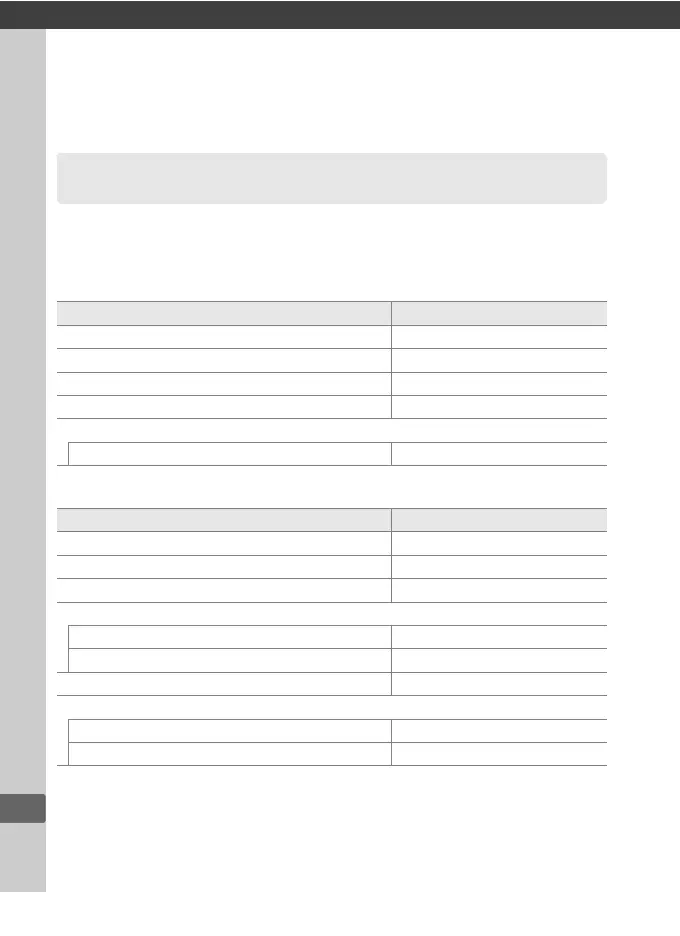
❚❚ Playback Menu Defaults
❚❚ Shooting Menu Defaults
1
Defaults
Option Default
Playback folder (0 230) NC_DF
Image review (0 232) Off
After delete (0 233) Show next
Rotate tall (0 233) On
Slide show (0 234)
Frame interval 2 s
Option Default
File naming (0 239) DSC
Image quality (0 55) JPEG normal
Image size (0 58) Large
Image area
Choose image area (0 52) FX (36×24) 1.0×
Auto DX crop (0 52) On
JPEG compression (0 57) Size priority
NEF (RAW) recording (0 57)
Type Lossless compressed
NEF (RAW) bit depth 14-bit



 To Next Page