EasyManua.ls Logo

Nikon Df - Error Messages

Nikon Df
396 pages
Print Icon
To Next Page IconTo Next Page
To Previous Page IconTo Previous Page
Loading...
346
n
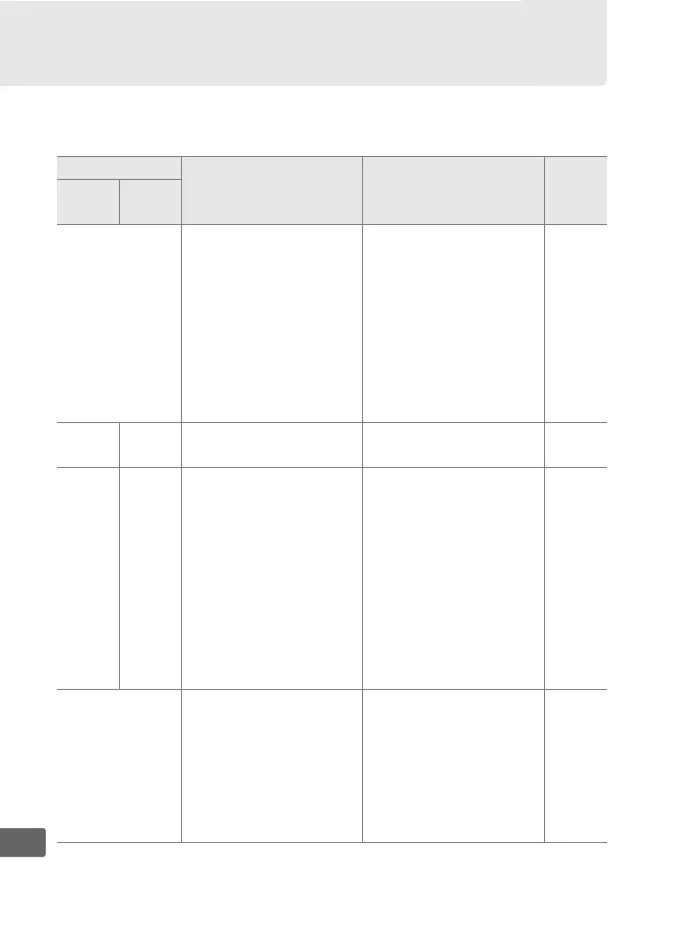
Error Messages
This section lists the indicators and error messages that appear in
the viewfinder, control panel, and monitor.
Indicator
Problem Solution 0
Control
panel
View-
finder
B
(flashes)
Lens aperture ring is
not set to minimum
aperture.
Set ring to minimum
aperture (highest
f-number).
25
CPU AI lens attached
with camera
metering coupling
lever raised (does not
apply to type G or E
lenses).
Remove lens, lower
metering coupling
lever, and re-attach
lens.
167
H d Low battery.
Ready a fully-charged
spare battery.
29
H
(flashes)
d
(flashes)
Battery exhausted. Recharge or replace
battery.
xvi, 18,
19
Battery can not be
used.
Contact Nikon-
authorized service
representative.
Replace the battery,
or recharge the
battery if the
rechargeable Li-ion
battery is exhausted.
F
No lens attached, or
non-CPU lens attached
without specifying
maximum aperture.
Aperture shown in
stops from maximum
aperture.
Aperture value will be
displayed if maximum
aperture is specified.
163

Table of Contents

Related product manuals